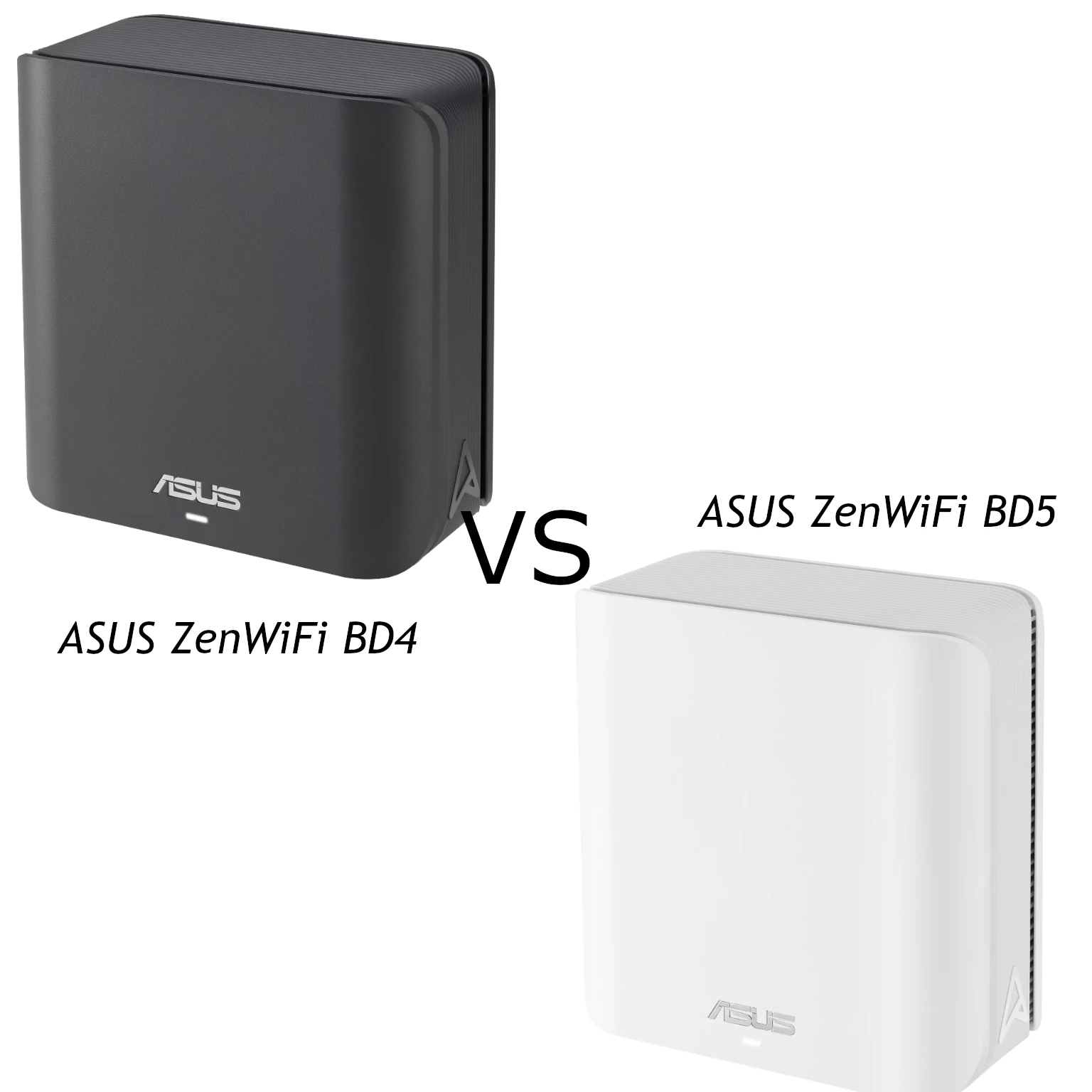
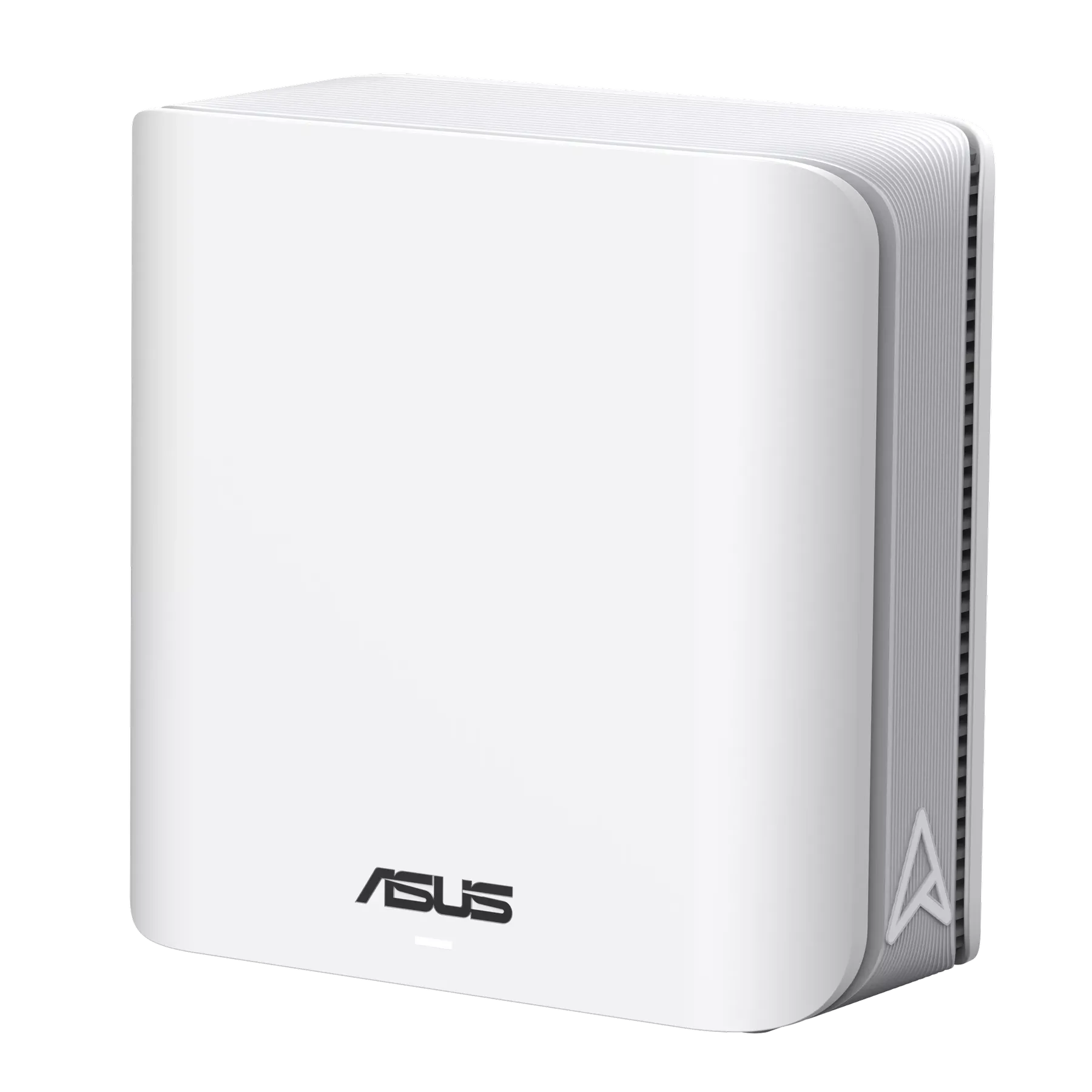
The ASUS ZenWiFi BD4 is a compact dual-band Wi-Fi 7 mesh option for homes that need coverage across several rooms. It is attractive if you want newer wireless capabilities, two faster Ethernet ports and the flexibility of compatible AiMesh equipment. As with any mesh purchase, the useful question is how its radios and connections fit your home, rather than whether the product class sounds fast.
The early information available when this article was first published was incomplete. ASUS now provides fuller specifications. This overview explains those documented features and buying considerations; it does not claim a tested apartment layout or measured throughput from an owned unit.
Wi-Fi 7 in a Compact System
The BD4 is BE3600: ASUS lists maximum link rates of 2882 Mbps at 5 GHz and 688 Mbps at 2.4 GHz. The total is a rounded wireless class, not a promise that a single computer downloads at 3.6 Gbps. The network also includes client limits, protocol overhead and whatever connection carries the traffic beyond the access point.
This model has no 6 GHz radio and supports channel widths up to 160 MHz. The Wi-Fi 7 name does not imply that every router has 6 GHz or 320 MHz operation. If avoiding crowded 5 GHz spectrum is your main goal, check whether a different model with suitable 6 GHz support would better fit the devices and region you use.
4096-QAM carries 12 bits per symbol compared with 10 for 1024-QAM, a 20% increase under otherwise equivalent conditions. Maintaining the higher modulation needs a clean, strong signal. It is not an automatic improvement for an older client or one several walls away. Radios adapt their rate to the connection.
What MLO Can Change
ASUS describes both combining and switching between the 2.4 GHz and 5 GHz links, with supported modes depending on the device. Multi-Link Operation requires compatible equipment and drivers. A client can benefit from another available link, but not every implementation transfers over both simultaneously. Read more in our MLO guide.
Do not treat MLO as guaranteed zero loss or as a replacement for a sound Internet connection. A busy ISP uplink or a weak node-to-node path still affects responsiveness. Compare an actual call or game while other devices transfer data; that is more useful than assuming a feature name removes all congestion.
Design and Placement
ASUS lists the enclosure at 140 × 70 × 140 mm and offers white and black pack variants. Its compact shape is appealing for living spaces where large antennas or a bulky router would be awkward. Leave room around each unit for ventilation and cable access instead of placing it inside a crowded cabinet.
A satellite needs a good connection back to the main unit. Start between the main router and the area needing coverage, then check the target room. Putting the satellite in the weakest corner can give a nearby phone good signal bars without improving its route to the rest of the network. Test more than one position before buying extra nodes.
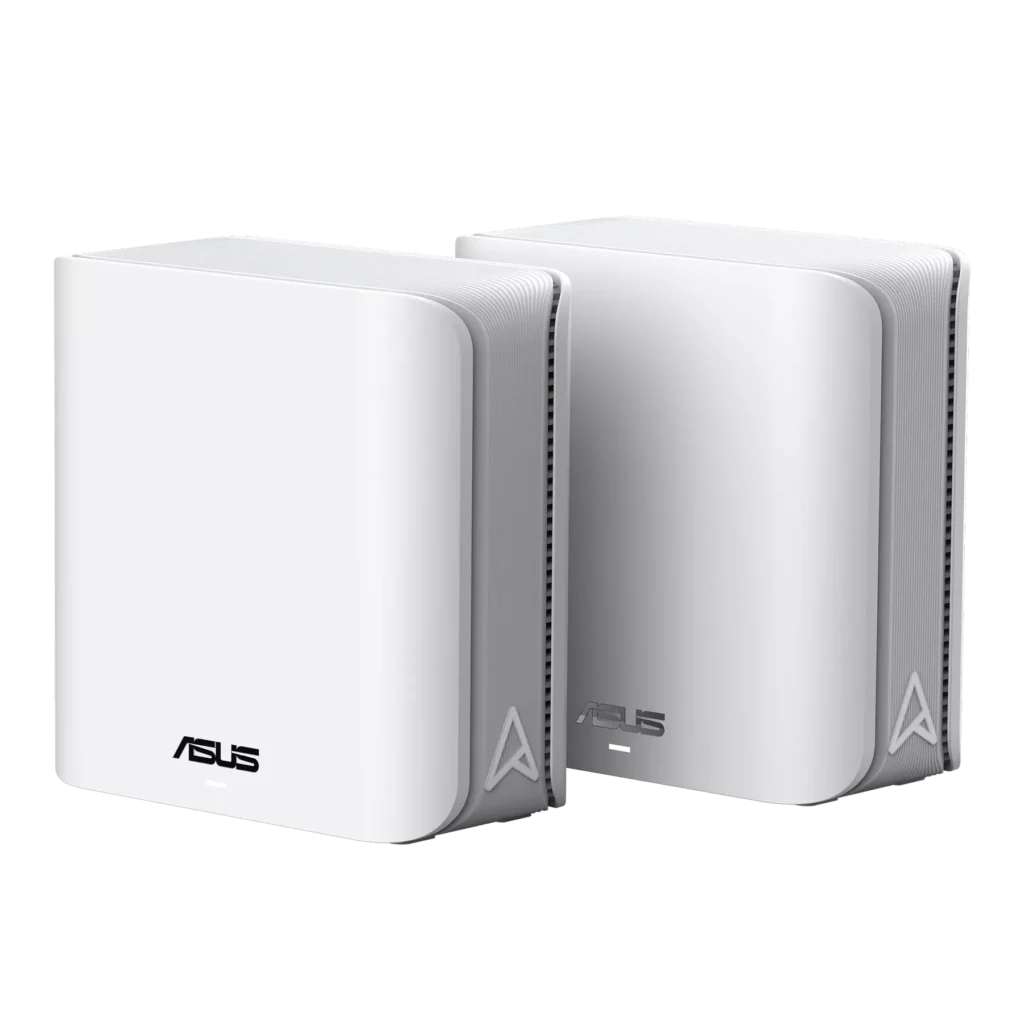
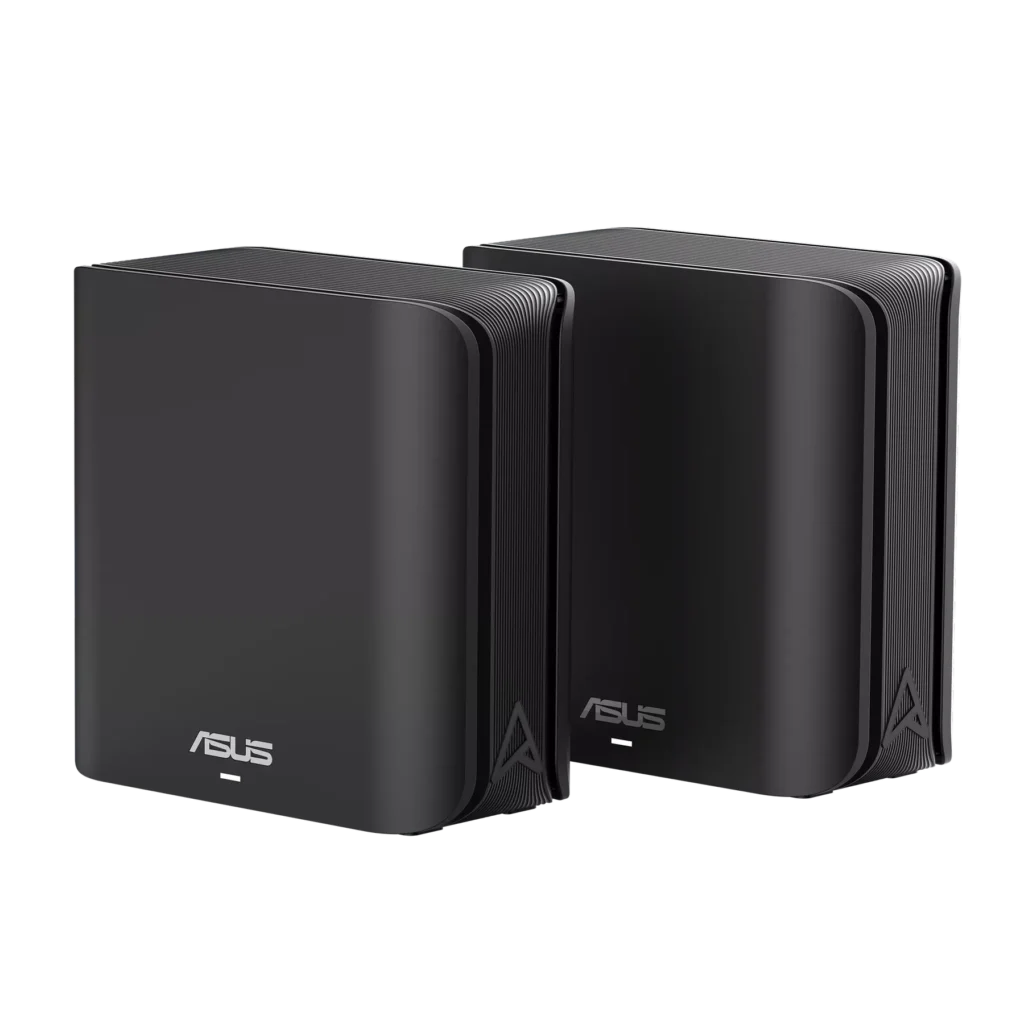
Ports and Verified Specifications
| Item | ASUS BD4 specification |
|---|---|
| Wireless | Dual-band Wi-Fi 7: 2.4 GHz and 5 GHz |
| Radio streams | 2×2 on each band |
| Ethernet per unit | Two 2.5 Gigabit WAN/LAN auto-detect ports |
| Processor and memory | 1.5 GHz quad-core; 512 MB RAM and 128 MB flash |
| Modes | Router, access point and AiMesh node |
| Management | ASUS Router app and ASUSWRT interface |
| Power adapter output | 12 V, maximum 1.5 A; adapter rating is not measured consumption |
The two 2.5 Gigabit ports are useful when both the Internet uplink and a wired backhaul or local connection should exceed Gigabit. Each connection still consumes a port. With an uplink and backhaul attached to the main unit, another wired computer may need a switch. Plan the full path, including switch and client ports, before expecting faster transfers.
ASUS advertises coverage up to 4900 square feet for a two-pack and 6500 for a three-pack. These are manufacturer figures, not measured results in every house. Concrete floors, placement and interference can alter usable coverage. Treat them as a starting point when choosing a pack, then confirm the rooms and devices that matter.
ASUSWRT and AiMesh
AiMesh can combine supported ASUS routers, with features depending on the models and firmware involved. It does not make every ASUS router compatible. Check the support list and use suitable firmware before planning to reuse older equipment. A slower node or port can become the limiting part of an otherwise newer network.
The product page describes Smart Home Master SSIDs for IoT, children's and VPN networks. That is useful for organising devices, but it should not be read as proof of arbitrary enterprise VLAN trunking in every operating mode. Confirm the actual controls in the BD4 firmware and the way the networks reach other devices.
If a dedicated firewall already manages the home network, access-point mode may be appropriate. Routing, VPN and security functions can differ in that mode, so decide which device should provide them. Avoid copying a router-mode menu sequence into an access-point deployment and assuming that all its controls remain available.
Security, VPN and Household Controls
The specification page lists AiProtection Pro, DNS over TLS, parental controls, VPN Fusion and WireGuard/OpenVPN client and server options. These are documented capabilities, not proof of any particular encrypted throughput. A VPN's endpoint, Internet connection and processing overhead still affect the result.
Use a unique administrator password and an appropriate wireless security mode. The BD4 lists WPA3; our WPA2 versus WPA3 guide explains the background. Test older smart-home devices before changing the security configuration everywhere. Keep the wireless and administration passwords separate.
AiProtection and filtering are useful additional layers, but they cannot establish that every downloaded file is safe or that every device is patched. Review the features and privacy terms you enable, retain backups and update the exact model's firmware. Also check which parental controls are useful to your household instead of buying on a broad security label.
Evaluating Performance at Home
Begin with a wired comparison near the main unit to check the Internet service and Ethernet links. Then use the same wireless client at the same locations, noting the connected node and band. A local file transfer and an Internet speed test answer different questions; use both when separating a Wi-Fi issue from a remote service limitation.
Repeat tests when the household is busy. A short peak rate can conceal poor responsiveness while other devices upload or download. For wireless satellites, compare placement before changing several settings. For wired backhaul, verify that cables and switch ports negotiate the intended link rate. Record the changes so a worse result can be reversed.
Buying Perspective
The BD4 remains an appealing compact upgrade for compatible devices and networks that can use its dual 2.5 Gigabit ports. Its affordability and versatility should be weighed against the current local pack price, warranty and support. It is a sensible candidate, rather than a guarantee of permanent future compatibility.
If your existing devices work well and only one room has poor coverage, improving placement or adding a wired path may offer more value. If you need 6 GHz or many wired connections per node, compare alternatives with those explicit features. Consult the official BD4 specifications and the exact regional SKU before buying.