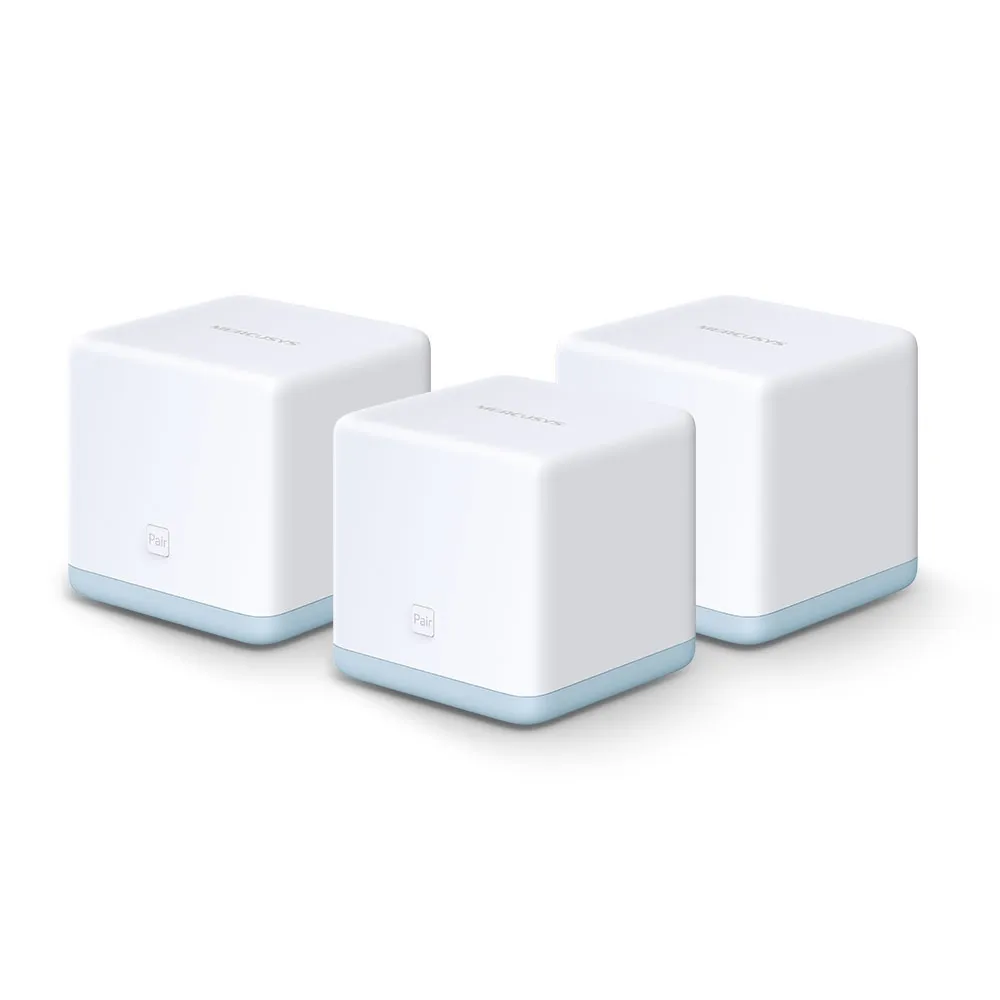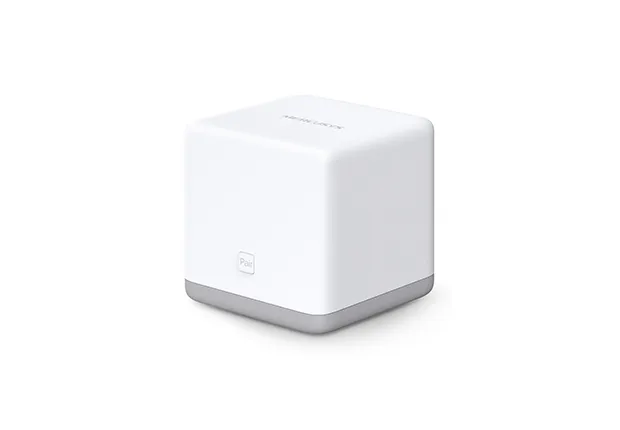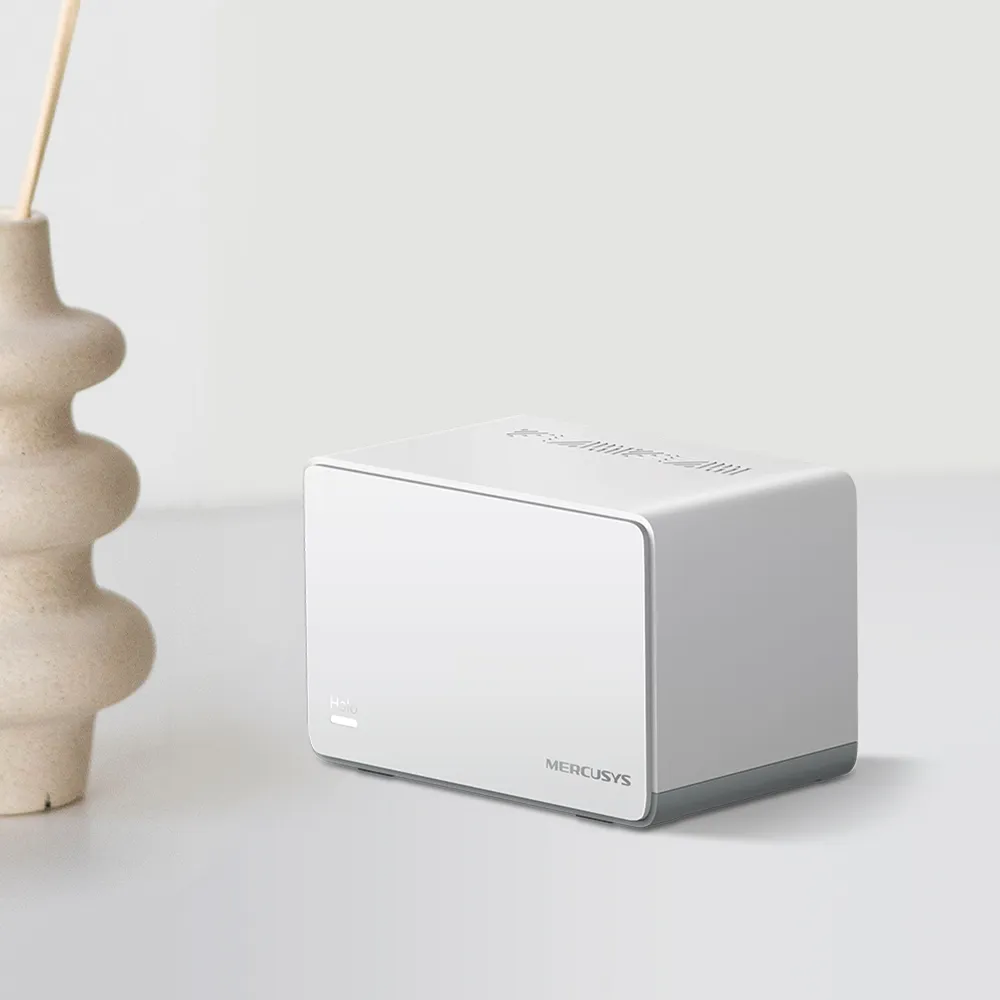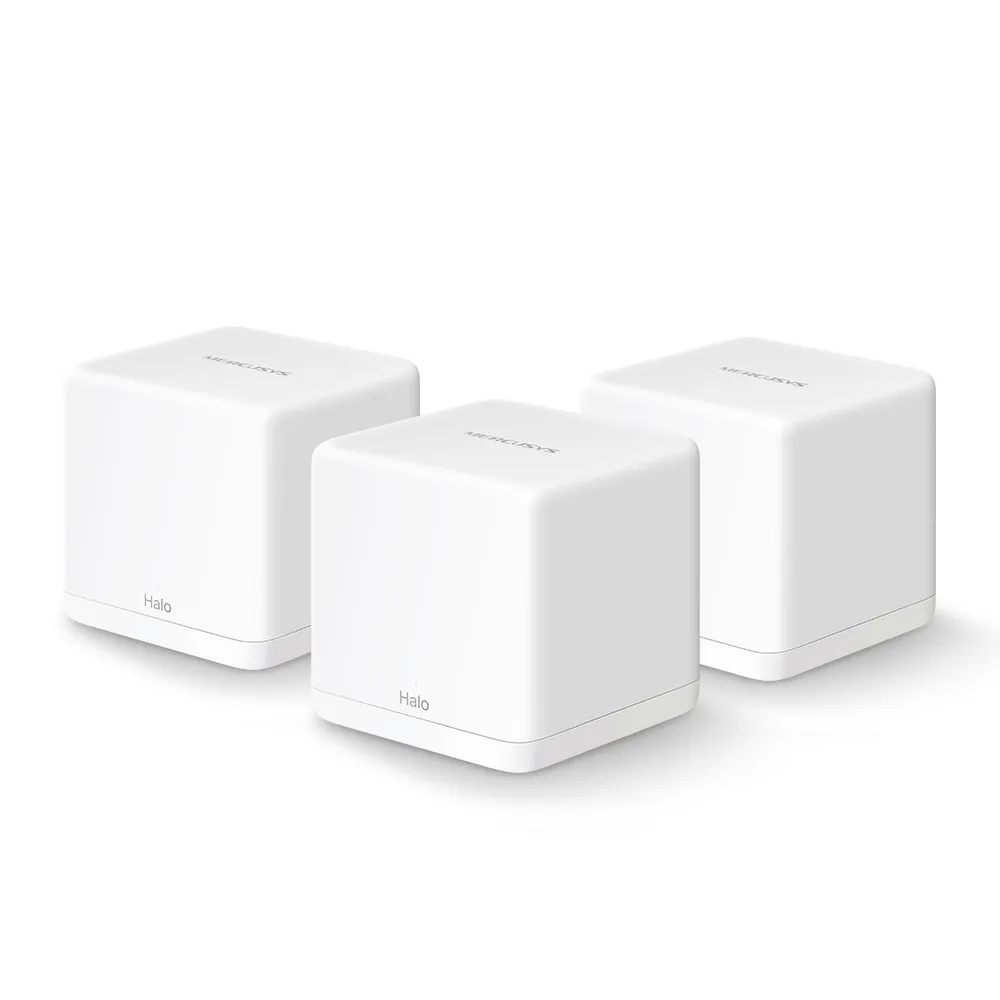
The Mercusys Halo H30G offers a budget-oriented route to mesh Wi-Fi with dual-band wireless and Gigabit Ethernet ports. Its appeal is extending an ordinary household network without paying for every newer radio feature. It is worth considering when coverage and cost matter more than achieving the fastest possible wireless connection.
Mesh Wi-Fi: Relay Runners around the Home
Imagine a large house where one router struggles to reach a distant room. Mesh adds nodes around the home, like relay runners passing a baton, under one network name. The main unit connects to your modem or upstream network, while satellites bring access closer to the places where you use devices.
The relay analogy also explains the main limitation: every wireless runner needs a good connection to the next part of the network. A satellite placed inside a complete dead zone may have a strong signal to your phone but a poor link back to the main unit. Put it between the main node and the problem area, then adjust the position after checking the connection.
There is no guarantee that a mesh kit covers every basement or backyard. Walls, floors, metal cupboards and neighbouring networks affect the result. H30G is designed for an indoor environment; check placement and the equipment's operating conditions instead of assuming an ordinary indoor unit can be installed outdoors.
H30G V1 Specifications
Mercusys's V1 three-pack page lists the following. Wireless rates, coverage and device counts are advertised capabilities, not measurements of your home.
| Feature | Halo H30G V1 |
|---|---|
| Wireless class | Dual-band AC1300 |
| 5 GHz | 802.11ac, up to 867 Mbps |
| 2.4 GHz | 802.11n, up to 400 Mbps |
| Ethernet per unit | Two Gigabit WAN/LAN auto-sensing ports |
| Advertised three-pack coverage | Up to 3,500 ft² / 320 m² |
| Advertised capacity | Up to 100 connected devices, subject to actual traffic and conditions |
| Modes | Router or Access Point |
| Security listed | WPA-PSK/WPA2-PSK; WPA3 is not listed |
| Management | MERCUSYS app |
| Dimensions | 88 x 88 x 88 mm |
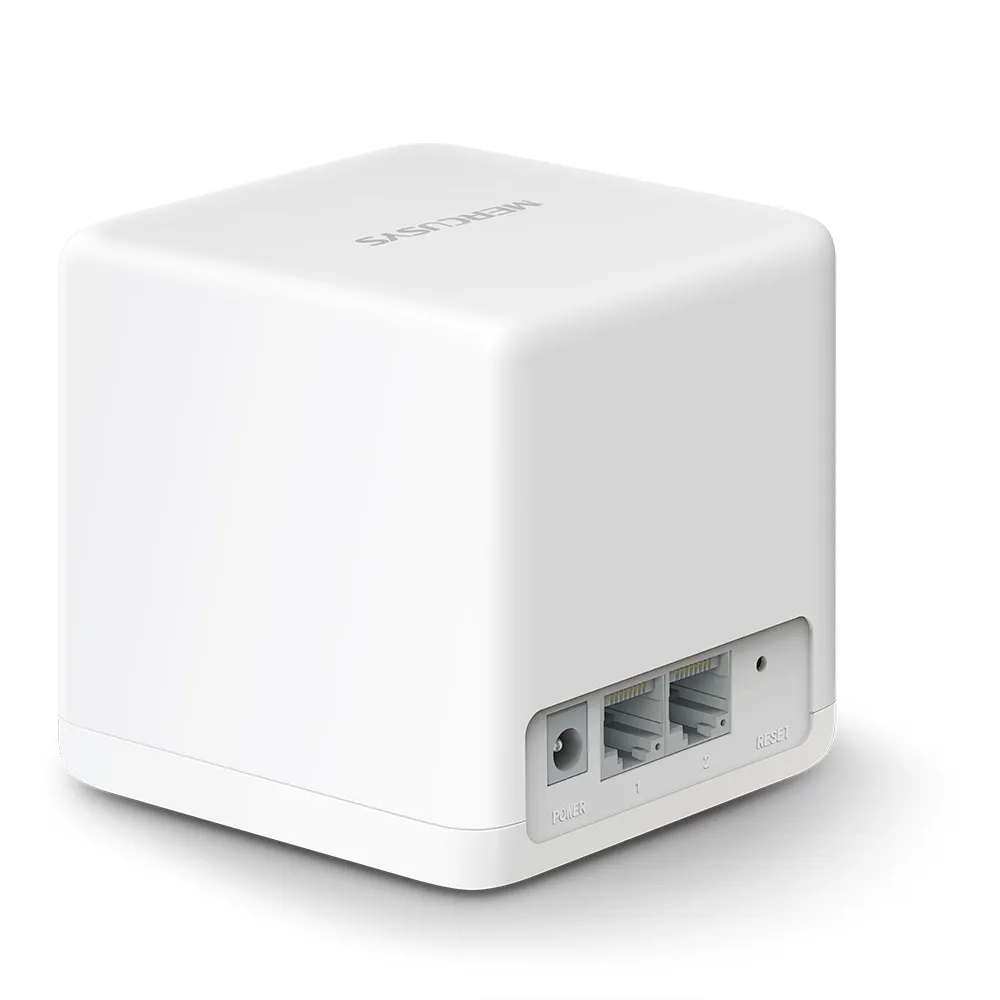
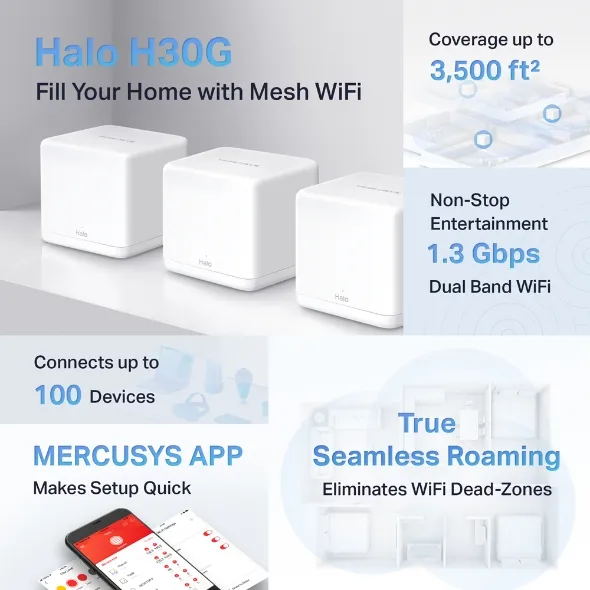
The feature graphic also advertises coverage, capacity and combined speed. AC1300 combines the two radio rates; a single device does not download at 1.3 Gbps by adding them together. Wi-Fi 5 refers to 802.11ac on 5 GHz here, rather than making the 2.4 GHz radio 802.11ac too.
Set Useful Wireless Expectations
A phone's or laptop's own radio, channel support and distance affect its connection. The advertised rate is a physical link rate before overhead, and other devices share the available airtime. Neither Gigabit Ethernet nor the AC1300 label guarantees a particular wireless download speed.
H30G includes MU-MIMO and beamforming, but these features do not make all connected devices perform equally. A quiet smart plug and a camera sending video create different demands. Count the active traffic you expect, rather than treating the 100-device claim as a promise that every device can stream at full speed simultaneously.
The listed mesh protocols are 802.11k/v/r. Roaming still depends on client support and behaviour. Walk your normal video-call route after setup and check any devices that remain attached to a distant node. A shared network name is useful, but it is not proof that every transition will be interruption-free.
Gigabit Ports and a Two-Port Plan
The Gigabit interfaces avoid the 100 Mbps port ceiling of some older mesh kits. That is a practical advantage for a faster broadband handoff or local wired devices. It does not establish how much wireless throughput the unit can deliver across a difficult room or through a satellite.
In Router mode, one port on the main unit connects upstream, leaving one for a local device or LAN switch. A wired computer and several cabled satellites may require that switch. Include it, the cables and convenient power sockets in your budget rather than comparing only the advertised pack prices.
To diagnose a slow connection, distinguish internet performance from a local transfer. Compare the same client near the main unit and near a satellite, and note the selected band and backhaul. If even a direct wired internet comparison is slow, moving a mesh node may not address the upstream problem.
Backhaul and Operating Mode
The H30G is dual-band without a separate third backhaul radio. Wireless links between nodes use radio resources that also serve clients. Ethernet backhaul is useful when cabling exists, particularly between floors or across walls that weaken a wireless inter-node link.
Mercusys's backhaul FAQ says to set up the units on the same network through the app before cabling. In Router mode, connect satellites downstream of the main Halo's LAN, directly or through its LAN switch. Confirm the satellite's connection type in the app. A direct connection and another cable can help identify a switch or wiring problem.
AP mode is an option when your existing router will remain the gateway. The official mode comparison lists parental controls, QoS and gateway settings such as DHCP and forwarding as unavailable in that mode. Configure those functions on the upstream router when needed, and check exact firmware capabilities before relying on a feature.
Security and Maintenance
The V1 specifications list WPA/WPA2, rather than WPA3. Keep that limitation in mind when comparing a newer kit, especially if your devices support newer security. It is a model capability question wherever you live; detached houses and apartment buildings do not create different rules for whether a weak password is acceptable.
Use the strongest supported compatible configuration, a long unique wireless passphrase and a separate strong administrator password. Keep firmware current for the correct hardware revision, and avoid enabling remote administration unless you have a specific need and understand the supported controls. Wireless encryption does not protect an already compromised computer or replace its updates.
For wireless security background, see WPA2 vs WPA3 comparison. When checking a used kit, confirm you can reset it, configure it with the current app and obtain the correct firmware before depending on it for everyday access.
Expansion and Buying Value
H30G can expand with compatible Halo H-series units. Mercusys explicitly says H-series and S-series cannot work together, so another box labelled Halo is not automatically a compatible satellite. Check the exact model and firmware if you plan to reuse existing equipment.
My recommendation remains positive for a household seeking affordable coverage and straightforward management. Check local prices for equal pack sizes: “budget-friendly” does not mean it is always the cheapest product available. A newer Wi-Fi generation or WPA3-capable system may justify more spending when it provides features you need.
For browsing, streaming, smart devices or a home office, decide which rooms have weak coverage and how busy the network becomes. Plan the node links, then assess performance with your usual calls and transfers. H30G can be a compelling economical choice when those expectations fit, rather than a promise of lag-free gaming or guaranteed Gigabit Wi-Fi throughout the house.