We are taking a short detour from building our home lab to look at a security improvement that offers a very good return on setup effort: HTTPS. For those of us hosting our own services, protecting logins and other traffic is an essential part of making them useful.
Let's Encrypt makes trusted certificates available without a certificate fee. The certificate is one component of a working HTTPS service, however: the server must use it correctly, clients must trust the issuer, and renewal must keep working.
What Do SSL, TLS and HTTPS Mean?
SSL is the historical term still used in many certificate tutorials. Modern HTTPS uses Transport Layer Security, or TLS. It protects the connection against passive reading and helps detect tampering, while certificate validation authenticates the server name to the client. Entering the intended hostname and taking certificate errors seriously are part of that protection.
HTTPS does not establish that an application is honest, well written or free of vulnerabilities. It does not replace passwords, access control, updates or backups. Nor does installing a certificate encrypt files stored on the server. It protects a particular connection; if a reverse proxy terminates TLS and sends plain HTTP to another machine, that second link has its own protection requirements.
Browser security indicators also vary. Do not rely on a green padlock as the sole check. Use the browser's connection details to confirm the expected hostname, a trusted chain and a valid certificate, and investigate warnings rather than teaching users to bypass them.
What Let's Encrypt Provides
Let's Encrypt is a certificate authority operated by the nonprofit Internet Security Research Group. It issues domain-validated certificates: successful validation establishes control of the requested name, not the identity or trustworthiness of the website owner. Donations, sponsorship and other support fund the service.
Your certificate's private key stays under your control. Protect it as a secret and restrict access to the processes that need it. The public certificate is meant to be shared with clients; the private key is not something to put in a public repository or an ordinary support screenshot.
Issuance and Renewal Are Separate Jobs
An ACME client requests the names you need, completes a validation challenge and obtains the certificate. It then either installs it through a supported web-server integration or leaves deployment to your chosen setup. Certificate issuance alone does not configure every application or reverse proxy automatically.
At the time of the October 2026 documentation check, default Let's Encrypt certificates still last 90 days. The publisher has announced a 64-day default from 10 February 2027, with shorter profiles also available. Build renewal around a maintained client's supported scheduling and ACME Renewal Info where available, instead of hard-coding an assumption that every certificate lasts 90 days.
A Practical Setup Plan
- Identify the service: decide which hostname readers will use and where TLS terminates. Check the application's or proxy's supported certificate configuration.
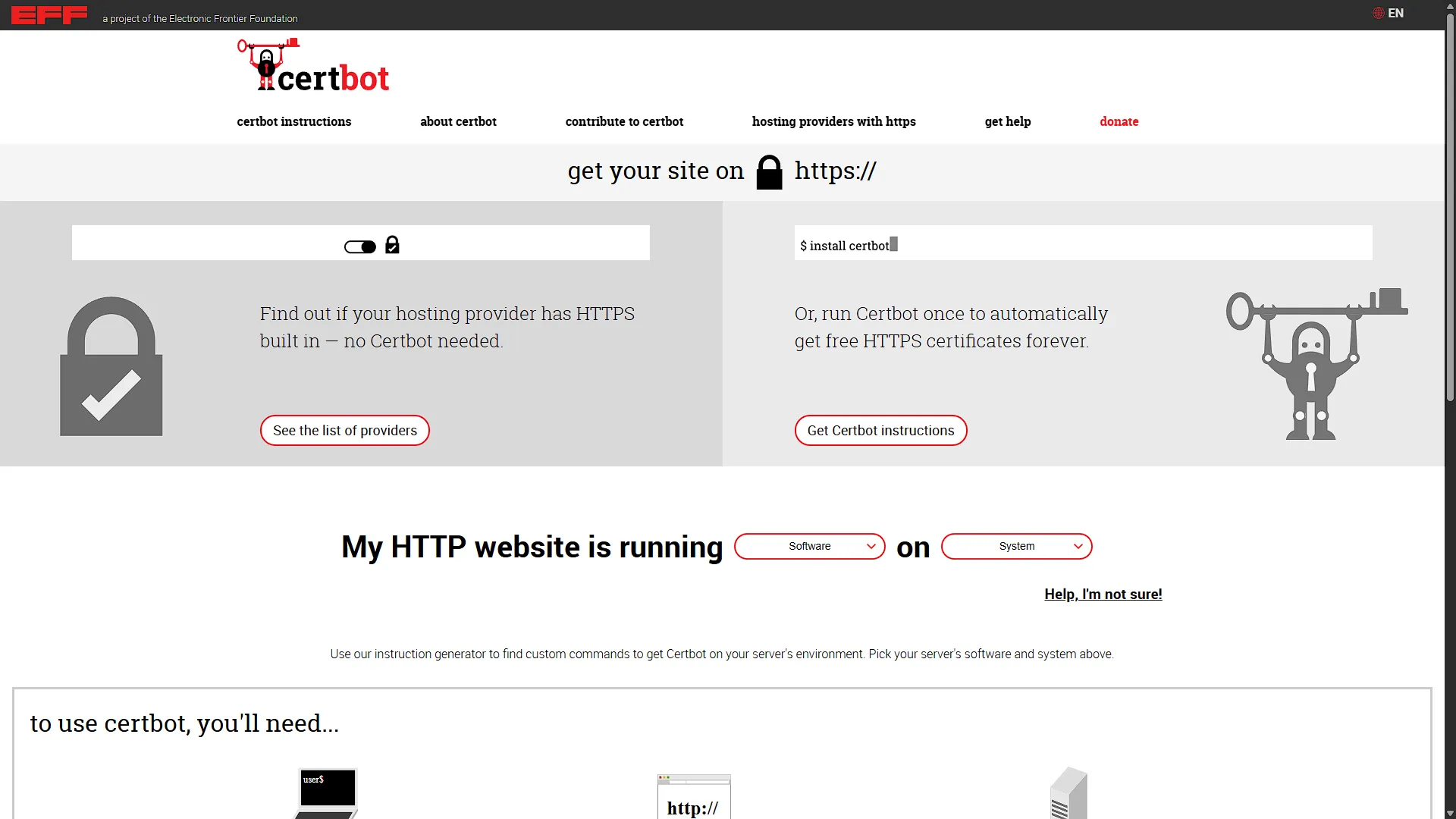
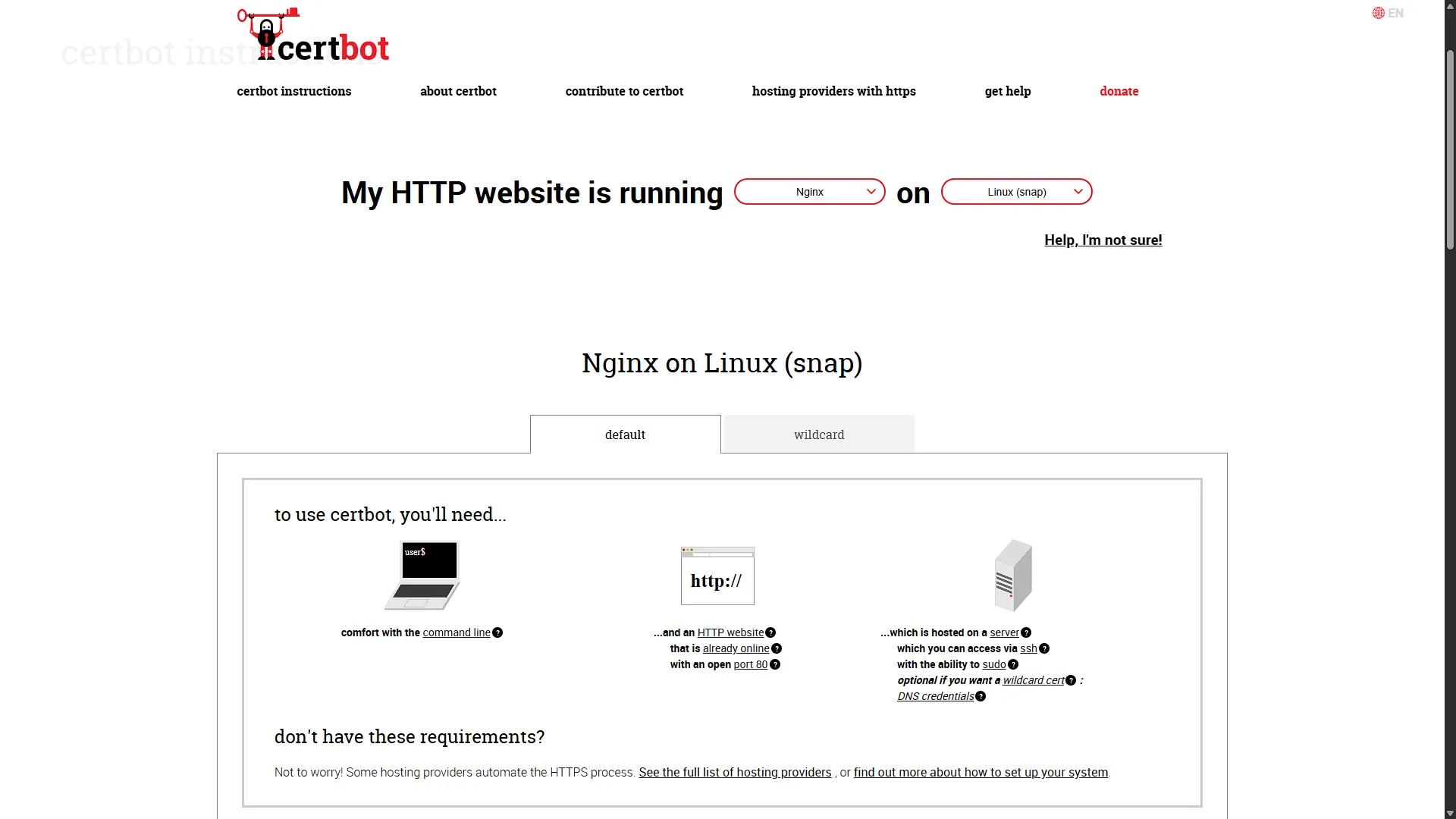
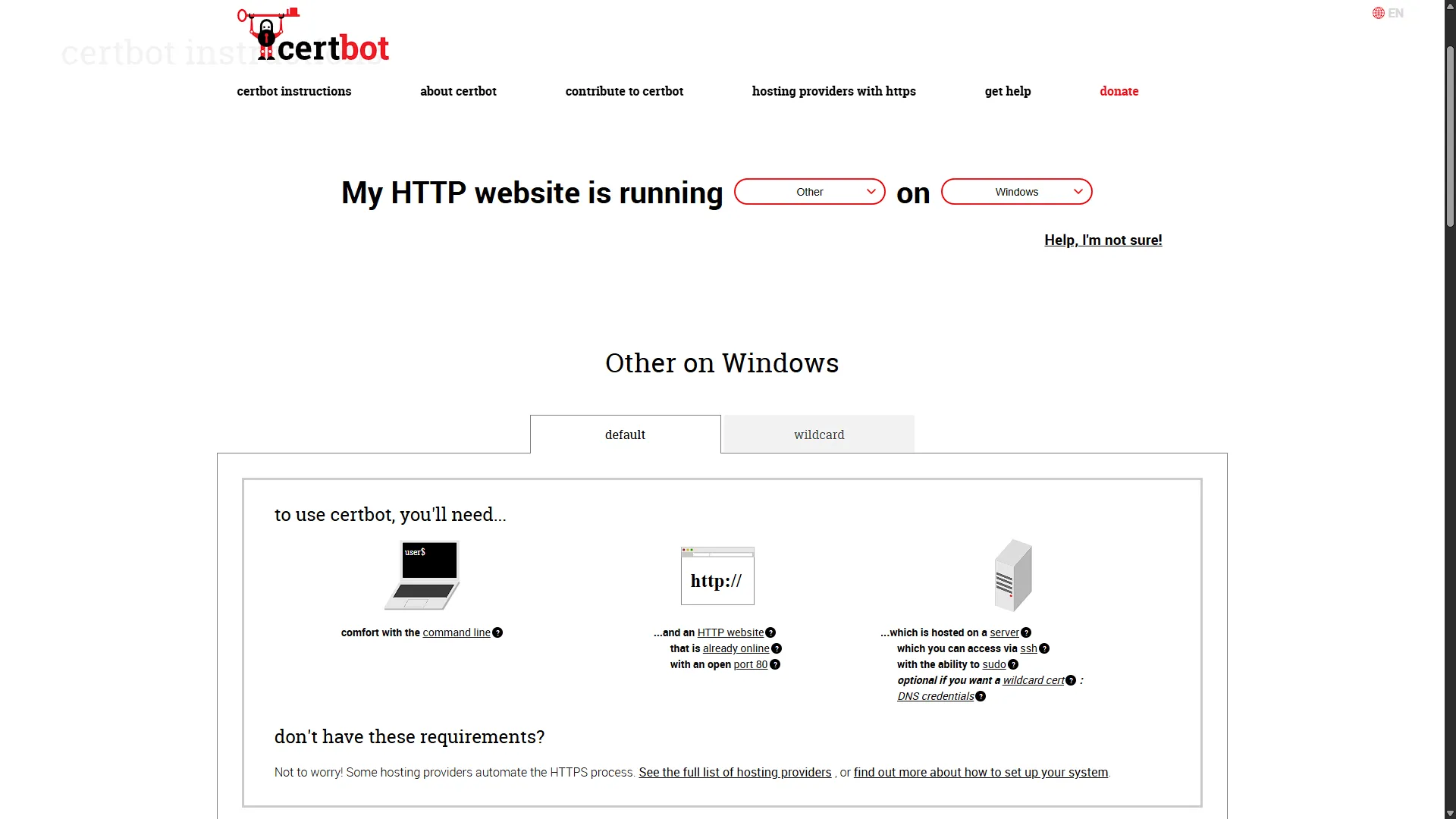
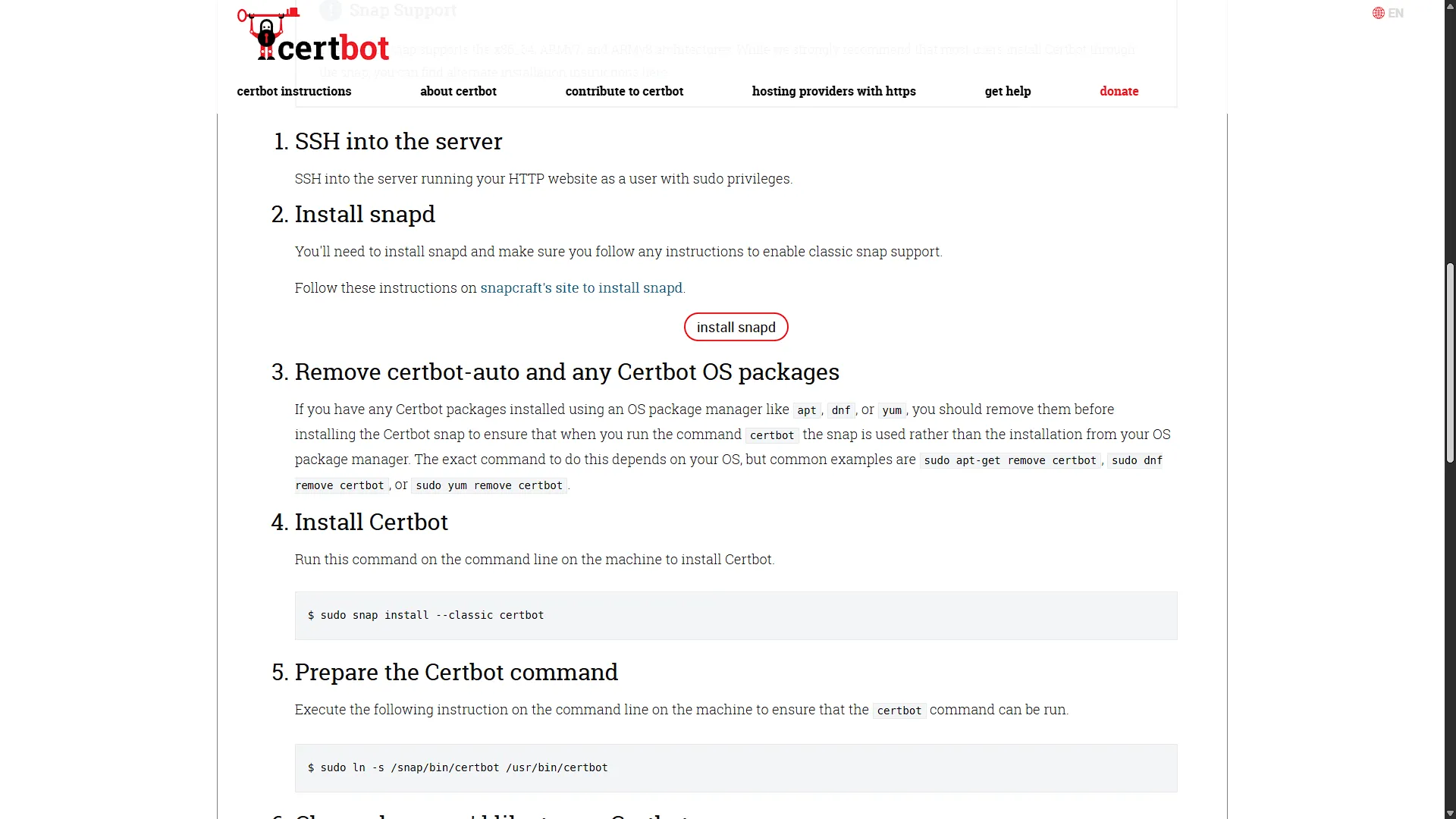
- Choose the client: Certbot's instruction selector provides installation guidance for supported combinations of server software and operating system. Follow the current instructions for your actual platform.
- Choose validation: use a challenge that fits the network and the names you need. An internal-only application does not necessarily need a public inbound web connection to obtain its certificate.
- Back up configuration: retain your existing server/proxy configuration, and keep administrator access available while making changes.
- Deploy and test: confirm that the real client can reach the HTTPS endpoint, validate the name and chain, and use the application successfully.
- Automate the whole lifecycle: renewal, certificate deployment, service reload and failure alerts all need attention.
The preserved screenshots below show Certbot's website and installation guidance as viewed in March 2025. They illustrate choosing instructions; they do not document a completed issuance, a server configuration change or a successful renewal. In particular, the historical Windows selection is not a substitute for checking current platform support.
HTTP-01, DNS-01 and Internal Services
| Challenge | Validation requirement | Wildcard support |
|---|---|---|
| HTTP-01 | The CA retrieves a challenge response over public port 80 | No |
| DNS-01 | A required TXT response appears in publicly queryable authoritative DNS | Yes |
| TLS-ALPN-01 | A capable client responds with the required validation protocol over public port 443 | No |
Let's Encrypt's challenge documentation explains the tradeoffs. DNS-01 is particularly useful for an internal service: the CA checks DNS, so you need not expose that service's web port to the internet for validation. The automation host still needs the relevant outbound access and DNS-provider connectivity.
Use a real domain you control. Publishing the challenge TXT record is different from publishing a public address record for every internal application. A local resolver, such as the options discussed in our encrypted DNS guide, can direct your chosen hostname to a private address. Clients must actually use that resolver and have a permitted network path to the service.
A wildcard is not unlimited name coverage. For example, *.lab.example.com covers app.lab.example.com, but not lab.example.com itself or deeper names such as test.app.lab.example.com. Request the appropriate names and confirm certificate coverage before depending on it.
DNS API automation needs a supported provider integration. Restrict credentials to the required zone and permissions where the provider allows it. Manual TXT changes may obtain a certificate, but unattended renewal needs automation hooks or an appropriate plugin. Remove stale challenge records using the client's documented process.
What HTTPS Protects, and What It Leaves to You
Plain HTTP logins can expose credentials and session information to an observer on the path. HTTPS reduces that risk and provides a sound foundation for access to self-hosted services. It does not make an exposed administration page safe for everyone to use; retain authentication and suitable network restrictions.
A certificate also does not make a service invisible. Let's Encrypt submits certificates to public Certificate Transparency logs, so names included in a certificate can be discoverable. A wildcard can avoid listing each individual application name, but it does not conceal the wildcard domain or create a firewall. Decide separately whether access belongs on the LAN, through a VPN or on a public endpoint.
For TLS at a reverse proxy, review the proxy-to-application connection too. Its hostname validation, encryption or isolated network path depends on the deployment. Avoid claiming that a single public certificate automatically protects every hop. Likewise, HTTPS contributes to a security design but does not by itself establish legal or regulatory compliance.
Test Renewal Before You Need It
For an already configured Certbot installation, the documented renewal test uses the staging service:
sudo certbot renew --dry-runThis tests the renewal process; it is not a full application-health test. Review the output, scheduled job and any deployment hooks. A successful renewal on disk is not enough if the running service continues presenting an old certificate. Check the certificate actually served to a client after deployment and configure an expiry alert.
Keep backups of the relevant configuration and protected certificate/account material, and document recovery when DNS credentials change or the automation host fails. For details, consult Certbot's current usage guide. Use staging for appropriate tests rather than repeatedly requesting production certificates while troubleshooting.
Conclusion
For our self-hosted apps, HTTPS remains an essential and worthwhile improvement. Let's Encrypt removes the certificate fee and supported automation can reduce routine work. The useful result is a trusted connection that continues working after renewals, backed by access control and a maintained service.
This overview provides the foundation for later installation articles. Keep the demonstrated steps in those separate walkthroughs intact and use this planning guidance to understand the surrounding choices.