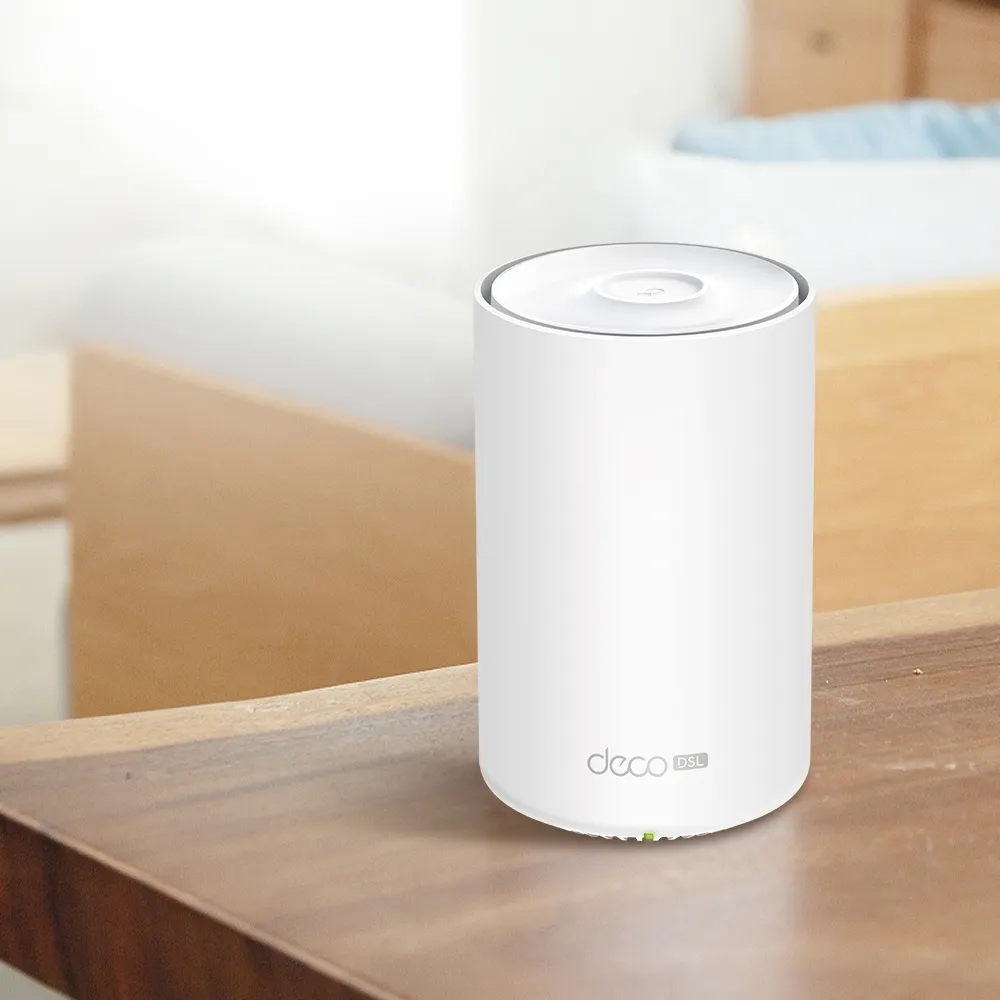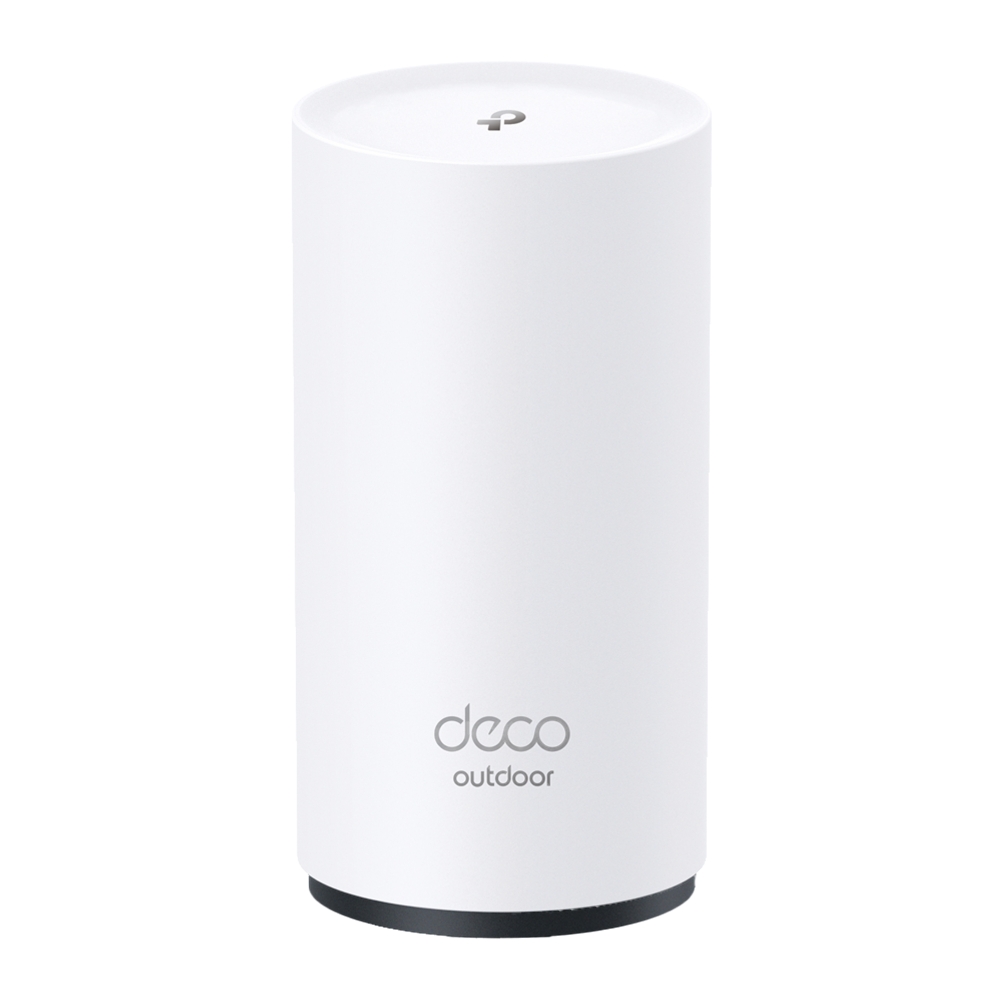
The TP-Link Deco BE25-Outdoor is an appealing way to bring a Deco mesh network to a patio, garden or other outdoor position. Its outdoor enclosure, flexible mounting and PoE option are the strengths highlighted in the original article. The favourable verdict remains: it is a useful product to consider when those features match the property and installation.
Check the full name. The indoor Deco BE25 and the BE25-Outdoor are different products. A similar model number does not make an indoor unit suitable for rain, outdoor temperatures or the outdoor model's power arrangement.
How Outdoor Mesh Coverage Works
Each node provides Wi-Fi nearby and needs a healthy route back to the rest of the network. Moving a node outside can improve the client connection that previously passed through an exterior wall. Its own backhaul still matters: a strong signal beside the garden node does not establish that its upstream wireless connection through the wall is good.
Ethernet backhaul can remove that wireless relay when a suitable cable route exists. Wireless backhaul may be practical in another location, but test it before permanent mounting. The phone or laptop also decides when to roam between nodes; coordinated mesh features can assist without guaranteeing an uninterrupted call for every device.
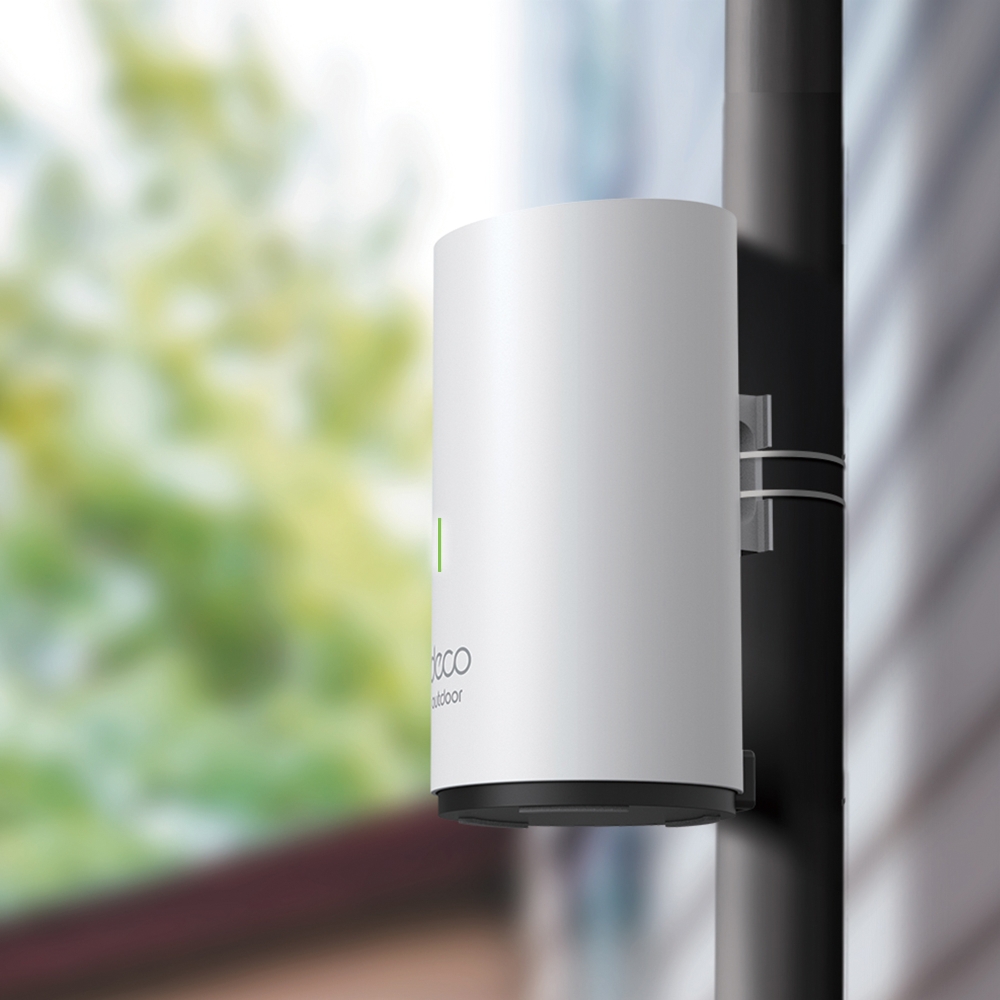
BE25-Outdoor: Specifications and Regional Versions
| Item | Referenced US V1 product |
|---|---|
| Wi-Fi generation and class | Wi-Fi 7, dual-band BE5000. |
| Published radio rates | 4,324 Mbps on 5 GHz plus 688 Mbps on 2.4 GHz. |
| Ethernet | Two 2.5 Gbps WAN/LAN ports with documented PoE input support. |
| Power input | IEEE 802.3at PoE or the supplied AC-cord arrangement. |
| Outdoor rating | IP65, with correct cover and cable sealing required. |
| Operating temperature | Published range: −30°C to 60°C. |
| Mounting | Wall, pole or tabletop using the appropriate instructions. |
Regional specifications differ. TP-Link's Spanish product page currently advertises a BE3600 version, so the US BE5000 figures should not be copied into every local purchasing decision. Check the exact region and hardware revision, including the permitted channel widths and current firmware.
The sum of the US radio rates is 5,012 Mbps, expressed as the BE5000 class. It is not a five-gigabit internet connection for one client. There is no 6 GHz radio in this dual-band model. Wi-Fi 7's MLO requires compatible devices and configuration; do not assume every Wi-Fi 7 feature or wider-channel option exists on every Wi-Fi 7 product.
Outdoor Rating and Sealing
The IP65 enclosure is a reason to consider this product for the locations described above. It is not permission to immerse it or leave the connector compartment open. The manufacturer explicitly requires the waterproof cover to be secured and says not to immerse the unit in water or other liquid.
Follow the manual for the purchased version. The reviewed guide shows opening only the cable slots that are needed, keeping unused connectors closed, routing cables through the rubber slots and resecuring the cover. It recommends a suitable cable/cord diameter to fit those slots. A bulky connector, incorrectly routed cord or damaged seal can undermine the intended protection.
Use cabling appropriate for the outdoor route, exposure and connection speed. Do not assume every Ethernet lead supplied with every regional package is rated for permanent outdoor use. Check cable shielding and grounding against the product instructions and the actual installation. The manual specifies installation by an instructed or skilled person; obtain appropriate help where the route or power arrangement needs it.
Choose a Suitable Power Source
PoE can carry data and power on one cable, avoiding a separate outlet beside the node. It still requires a compatible power source and budget. The reviewed BE25-Outdoor guide specifies an 802.3at-compliant source and states that power should not be less than 19.5 W. Check both the source's per-port capability and its total allocation for all connected devices. Our PoE guide explains the source-versus-device distinction.
Power and data rates are separate: a suitable PoE source with a slower Ethernet port can constrain the 2.5GbE link. Use the intended power input rather than an arbitrary passive injector. The unit's PoE input does not itself establish PoE output for another device attached to its other socket.
If using the supplied AC cord, follow the manual's socket and enclosure requirements for your region. The outdoor enclosure does not make an unprotected mains connection weatherproof. The guide distinguishes covered GFCI arrangements in the US from other regions' suitable waterproof socket enclosures. Do not splice or improvise mains connections to make a convenient mounting spot work.
Plan the Mount and Cable Route
Before fixing brackets or choosing a pole, test the proposed position using the normal connection method. Account for vegetation, external walls, vehicles and the rooms or garden areas where clients will be used. Keep the unit within its specified environmental conditions and follow the mounting orientation and securing instructions.
Plan a supported cable route that avoids strain on the sealed compartment and unwanted water running toward connections. If an exposed route requires surge protection, select equipment for the actual data rate and PoE requirements and have the grounding plan checked. TP-Link's product footnote ties lightning/electrostatic protection to proper setup, grounding and shielding. A generic surge-protector name does not guarantee multi-gigabit compatibility or protection against every storm event.
Cable life depends on exposure, materials and installation. Choose a cable rated for the actual route, seal the connections correctly and inspect them periodically. Underground routes also need appropriate cable and protection for their conditions; one universal deterioration timetable or cable prescription does not cover every property.
BE25-Outdoor Versus X50-Outdoor
| Referenced US capability | BE25-Outdoor V1 | X50-Outdoor |
|---|---|---|
| Radio generation | Wi-Fi 7 | Wi-Fi 6 |
| Advertised rates | 4,324 + 688 Mbps | 2,402 + 574 Mbps |
| Ethernet | Two 2.5GbE sockets | Two Gigabit sockets |
| Outdoor enclosure | IP65 with correct installation. | IP65 with correct installation. |
| Power choices | Documented PoE/AC input. | Documented PoE/AC input. |
The newer radios and faster ports are useful distinctions, but neither table measures backyard throughput. If the clients, internet connection or wireless upstream link are slower, a higher rate on the new unit may bring little improvement. Compare local pricing, supported features, existing kit and the connection route before replacing a working outdoor node.
Test the Outdoor Activities You Need
Check a call at the outdoor desk, streaming in the seating area and reconnecting the actual cameras or garden accessories. Some smart-home devices use other radio systems, so an outdoor Wi-Fi node does not automatically extend every automation network. Record before-and-after results with the same client and activity.
The unit can join a supported Deco network, including a setup containing BE65 units, but mixed-model features depend on the main unit and firmware. Verify guest and IoT behavior rather than assuming every network and function appears identically on every node. HomeShield also includes basic and paid functions, with gateway features changing in Access Point mode.
Verdict
The BE25-Outdoor remains an attractive option for the outdoor extension described in the original article. Its value comes from the right regional model, suitable power, protected installation and a healthy backhaul. Those checks turn its appealing features into dependable coverage where you actually use the network.