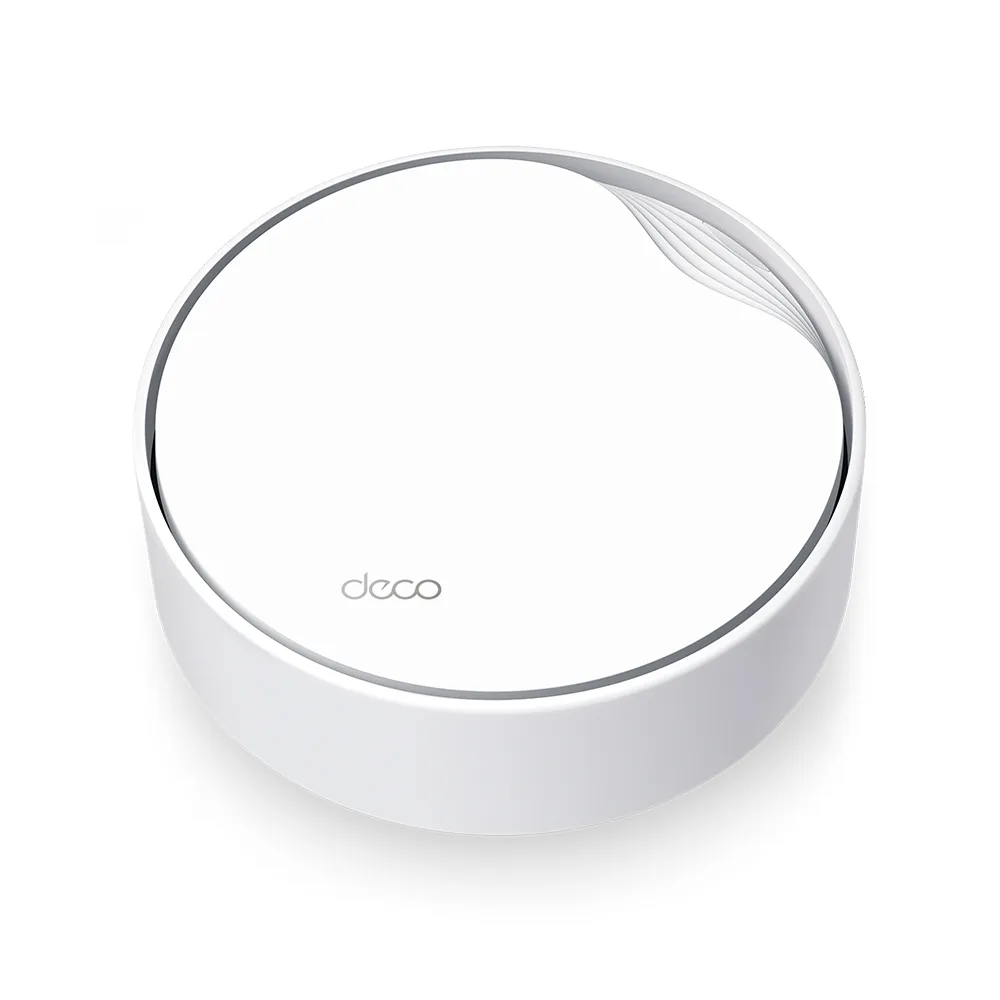
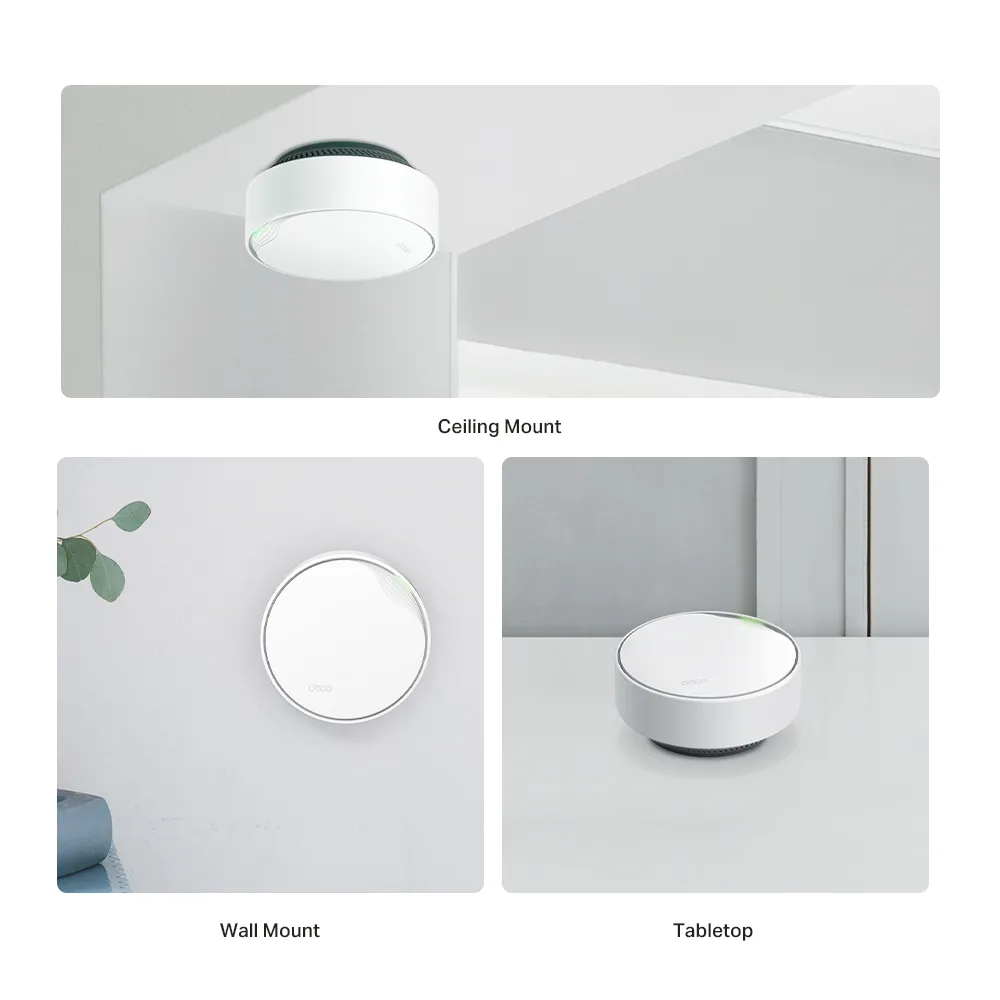
The TP-Link Deco X50-PoE is an appealing addition to the Deco range when a shelf and nearby socket are inconvenient places for a mesh node. Its round enclosure can sit on a table or mount on a ceiling or wall. Power over Ethernet gives you another installation option: one suitable cable can carry both power and data. That is especially useful in an office, a large home or a room where you would otherwise need a separate power outlet.
The main reason I would consider it is placement flexibility, rather than a promise that ceiling mounting makes every connection faster. The cable route, building layout and exact hardware revision deserve as much attention as the AX3000 rating. Plan those details before buying the nodes or a PoE switch.
What mesh and Wi-Fi 6 provide
A mesh system uses several nodes with coordinated settings and a shared network name. Each node still needs a useful connection back to the rest of the network. A wireless satellite placed beyond reliable reception cannot create capacity from nothing. Ethernet backhaul removes that wireless hop from the path when practical cabling is available.
X50-PoE is a dual-band Wi-Fi 6 system, with advertised physical rates of 2,402 Mbps on 5 GHz and 574 Mbps on 2.4 GHz. AX3000 rounds their sum; it is not a 3,000 Mbps download promise for one device. The higher 5 GHz rate needs a compatible client and 160 MHz channel availability. Older compatible devices can connect, but do not gain all the new features.
Wi-Fi 6 efficiency features include MU-MIMO and OFDMA. Their usefulness depends on compatible devices and the traffic being carried. Beamforming helps explain how a router directs a transmission, but it cannot make walls disappear. Keep realistic expectations about both speed and roaming: TP-Link qualifies roaming behaviour by client support and setup.
Specifications and hardware revisions
| Item | Published specification |
|---|---|
| Wireless | Dual-band Wi-Fi 6; 2,402 Mbps on 5 GHz plus 574 Mbps on 2.4 GHz |
| Antennas / streams | Four internal antennas; four total streams |
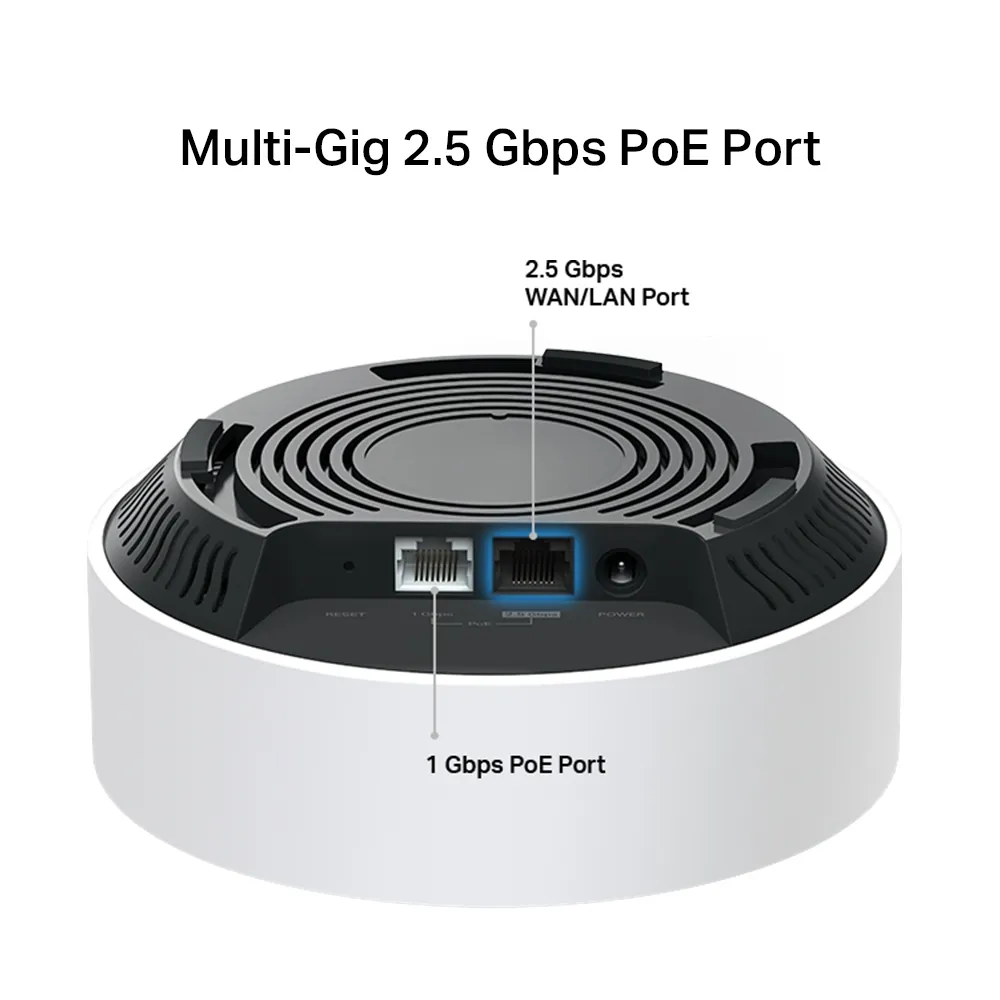
| 1.0 Ethernet layout | One 2.5 Gbps port plus one Gigabit port |
| 2.0 Ethernet layout | Two 2.5 Gbps PoE ports |
| Alternative DC supply | Included adapter: US 12 V / 1.5 A; EU 12 V / 1.2 A |
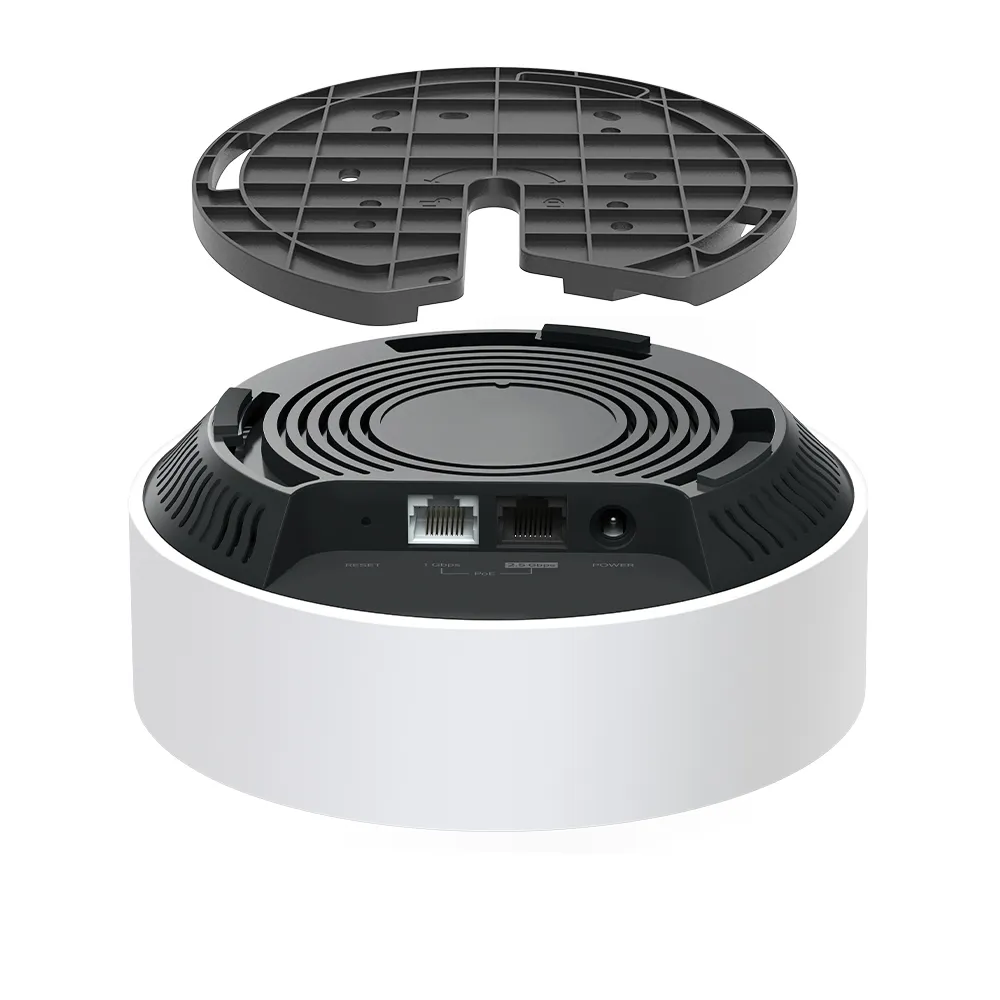
| Placement | Ceiling, wall or tabletop; ceiling/wall mounting kits listed |
| Operating modes | Router or access point |
| Security | WPA3 support and HomeShield, with client/mode/plan limitations |
The original one-fast-port layout and the later two-fast-port layout are different hardware specifications. Check the version printed on the device or packaging and the regional datasheet before ordering. A firmware update does not change the physical Ethernet interfaces. The illustrated port layout represents the earlier arrangement rather than every X50-PoE sold today.
This matters particularly on the main node. On a two-port 1.0 unit, using the 2.5 Gbps socket for the internet leaves a Gigabit socket for the wired LAN/backhaul path. A faster incoming service therefore does not make that downstream wired path multi-gigabit. On a satellite, count the uplink before deciding how to connect a local desktop or downstream switch.
PoE: power and data are separate checks
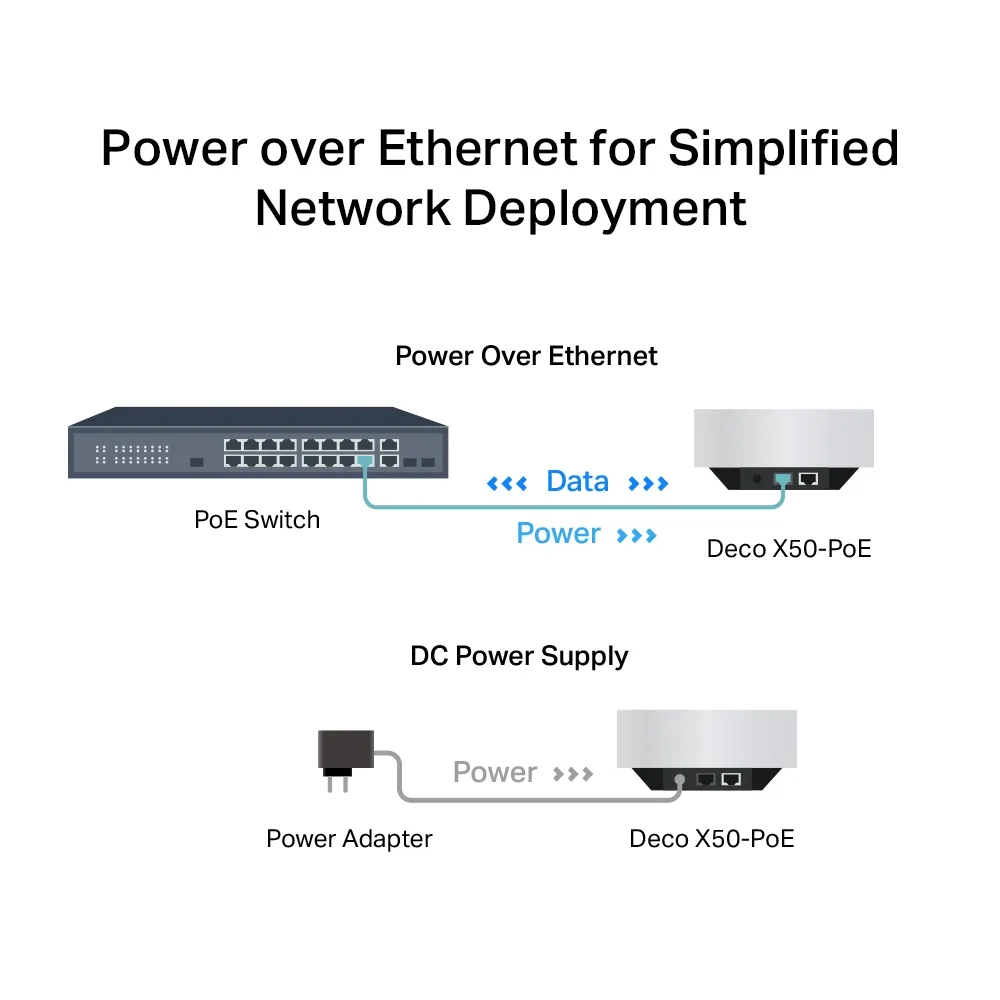
Use an appropriate standards-based power source. TP-Link's PoE FAQ specifies IEEE 802.3at or 802.3bt and explicitly says 802.3af is unsupported. The device receives PoE power; it cannot power another device through its Ethernet ports. A DC adapter is an alternative when a suitable PoE source is unavailable.
Power compatibility and data speed are separate requirements. A Gigabit PoE switch or injector can supply suitable power yet limit the wired path to Gigabit. If multi-gigabit access matters, check the source's data interfaces and uplink as well as its PoE label. PoE does not inherently impose a wireless speed penalty, but incompatible power equipment or an inadequate network path can still spoil an installation.
Plan the switch's total power budget and per-port capability, including other powered equipment. TP-Link lists maximum PoE consumption of 18 W for US units and 14.4 W for EU units. Its sizing example allows 20 W per US node, or 16 W per EU node, for cable loss and margin. Those are vendor planning figures, not measured idle or gaming-load results from this article. Leave capacity for any cameras or other devices you intend to add.
Cabling and placement
TP-Link recommends qualified Cat5e or higher cabling and a PoE connection within 100 metres. You do not automatically need shielded Cat6A for an ordinary 2.5 Gbps installation. Check the complete cable path, connectors and installation requirements rather than assuming a category label alone establishes reliability. Test power and link speed before fixing a node somewhere difficult to reach.
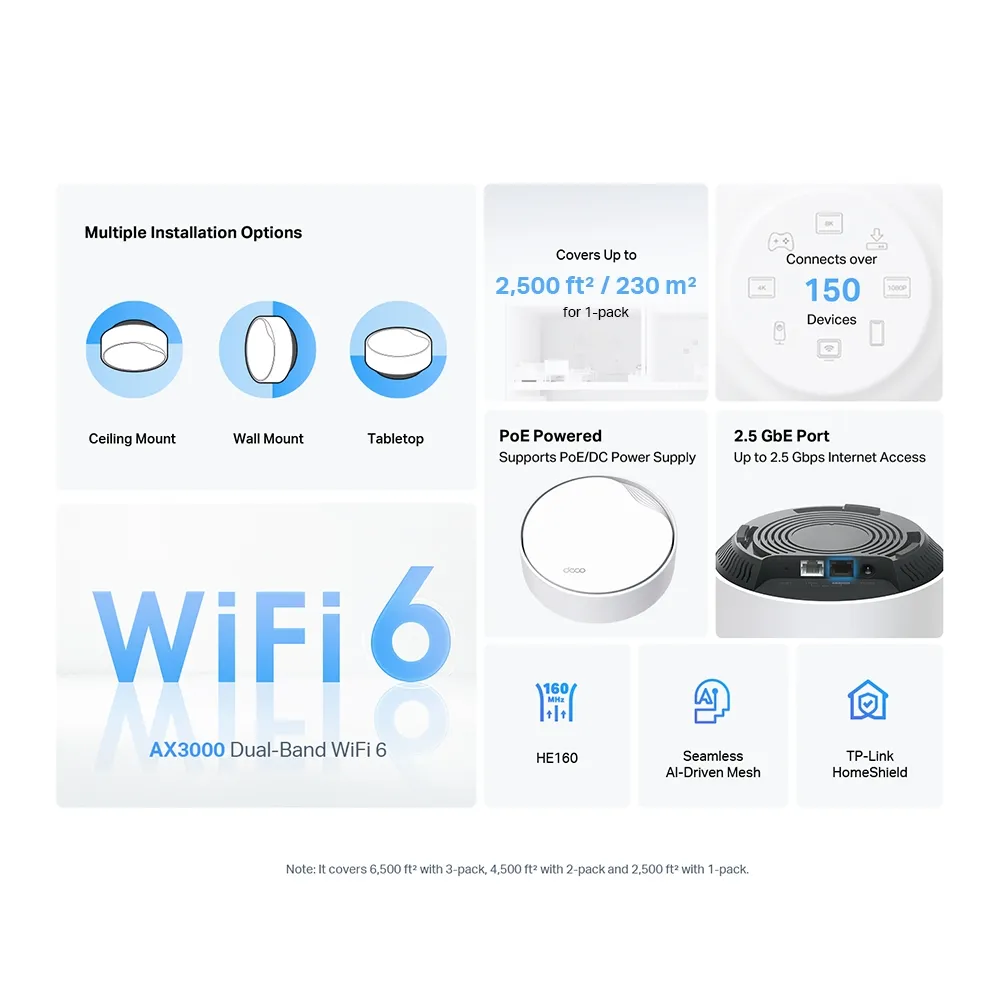
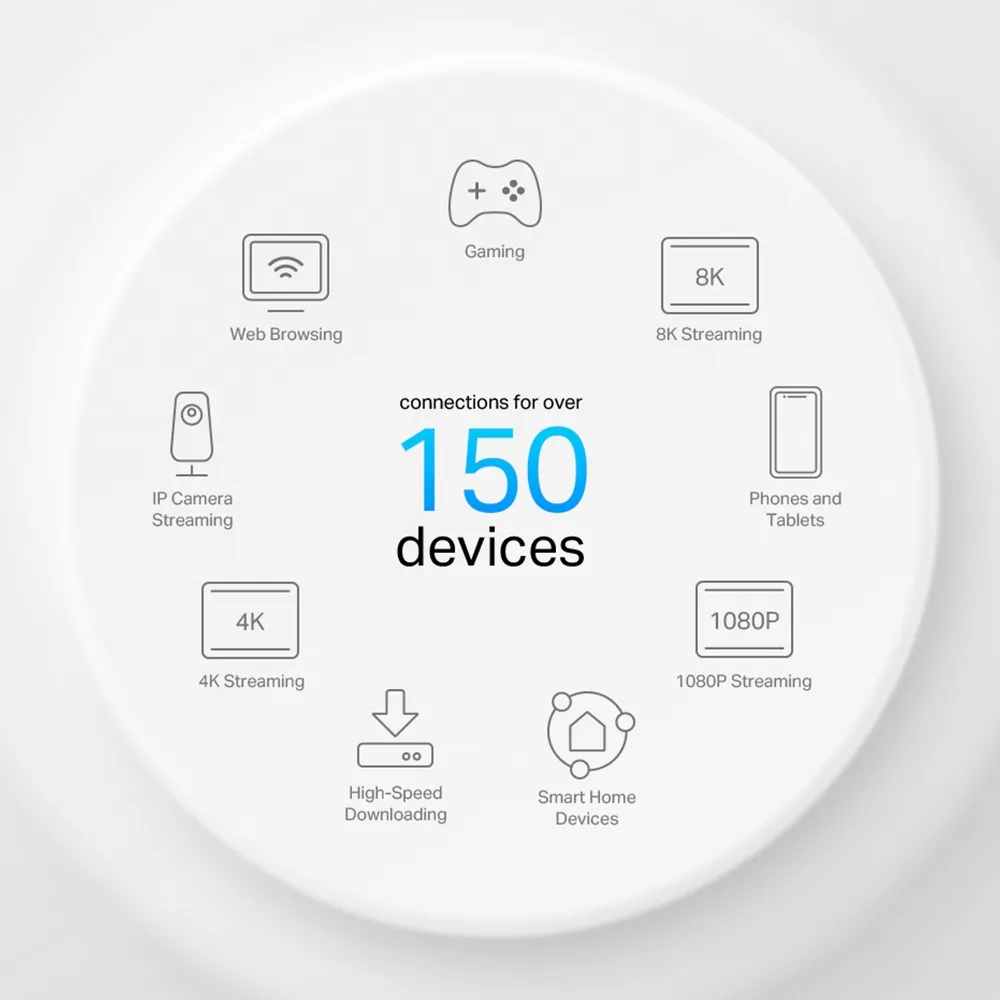
TP-Link advertises coverage up to 2,500 square feet for one unit, 4,500 for two and 6,500 for three. These are pack-size claims, not a fixed coverage radius or a guarantee through concrete walls. The device-count graphic similarly describes manufacturer capacity advertising; a room full of idle sensors differs greatly from many concurrent high-bandwidth clients.
A higher mounting position may avoid some furniture and improve the layout, but it does not eliminate absorption, improve every upstairs room or establish a universal 30% gain. Choose mounting positions according to the rooms and floors you need to cover. Check the supporting surface, use the appropriate mounting hardware and keep the unit accessible enough for maintenance. A tabletop trial helps establish a useful location before permanent mounting.
Router mode, access point mode and management
Choose the operating mode before drawing the wiring plan. In router mode, satellite Decos connect behind the main Deco's LAN side, directly or through a switch. In access point mode, an upstream router handles routing and satellites can connect through that network. A PoE switch provides power; it does not determine which device should perform routing or make every topology valid.
Deco remains managed through its own system. Connecting it to an Omada or UniFi switch does not turn it into a controller-managed access point from that ecosystem. If you need extensive business segmentation or centrally managed policies, verify the exact Deco features rather than selecting it solely because the shape resembles a commercial ceiling access point.
In AP mode, some Deco routing and parental-control functions are unavailable because the upstream router controls the clients. HomeShield has free basic and paid options in supported configurations. Read about WPA3, check your clients' compatibility and keep firmware current. A shared Wi-Fi name and roaming support do not guarantee that every device changes nodes at exactly the right moment.
Is the X50-PoE a good fit?
The X50-PoE remains a strong option when clean mounting, existing Ethernet and fewer separate power leads are priorities. It is worth considering for meeting rooms, discreet household installations and small premises whose requirements match its supported controls. If you have no cable routes and prefer shelf placement, weigh the cost and work against a conventional mesh system.
Before purchasing, compare the exact hardware revision, number of nodes, available switch ports, PoE budget and useful app features. Include the cabling and installation cost in that comparison. Visit the official X50-PoE product page and check the current PoE FAQ alongside the regional version's documentation.