The TP-Link Deco X80 and X80-5G serve different Internet needs despite sharing an AX6000 Wi-Fi 6 rating. The ordinary X80 is a sensible choice when reliable fixed broadband already reaches the home. The X80-5G adds cellular access for places where that service is unavailable or where a backup connection is valuable. The right choice depends on the actual carrier, wiring and household use.
Read the individual guides to Deco X80 and Deco X80-5G for more background. This comparison uses model specifications and buying considerations, rather than personal throughput or failover measurements.
The important model differences
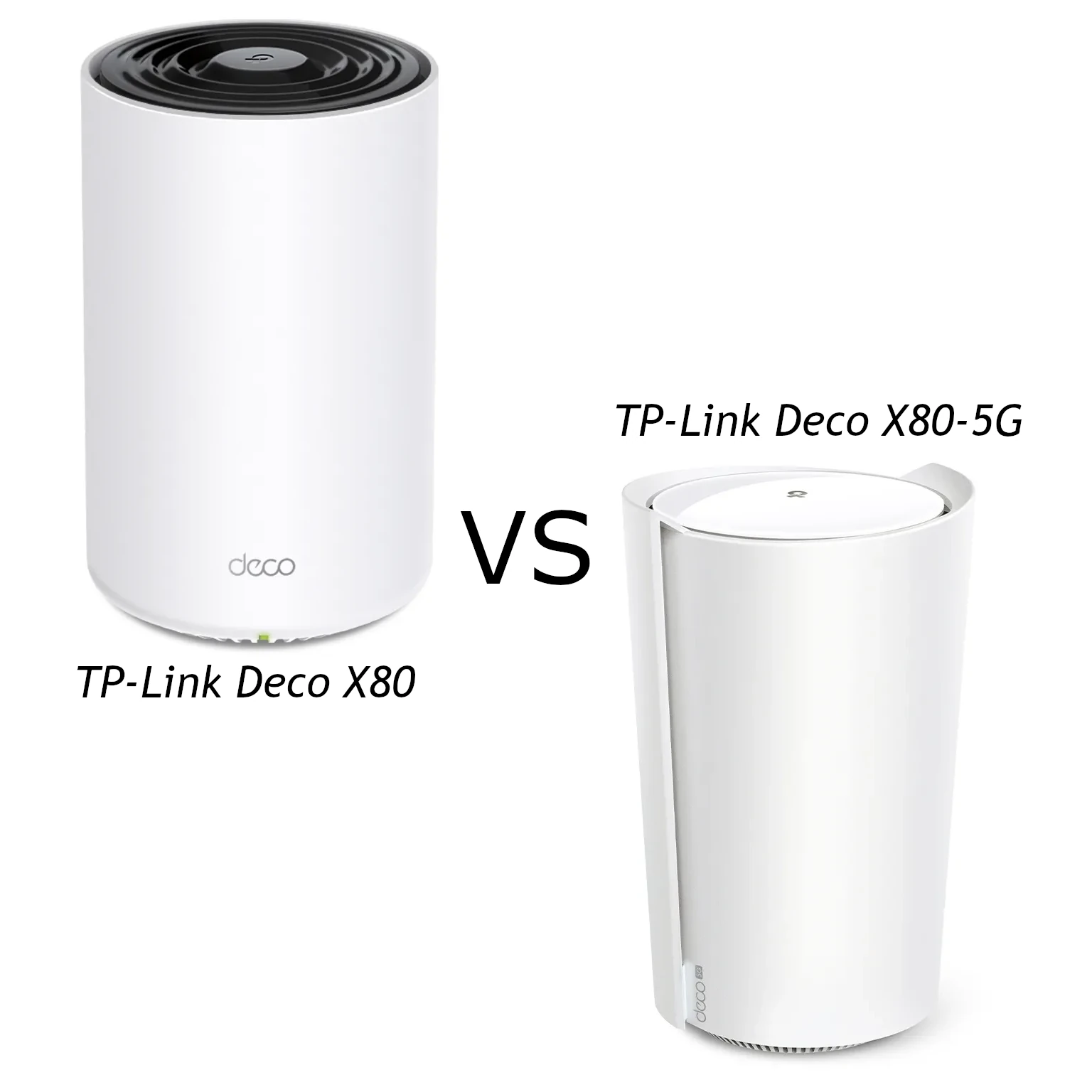
The figures below follow TP-Link's checked model-specific listings. The identical aggregate rating does not establish identical radio implementation, coverage or physical dimensions.
| Item | Deco X80 | Deco X80-5G |
|---|---|---|
| Internet connection | Ethernet from a modem/ONT or existing network | Cellular through Nano SIM, or Ethernet; backup depends on mode/firmware |
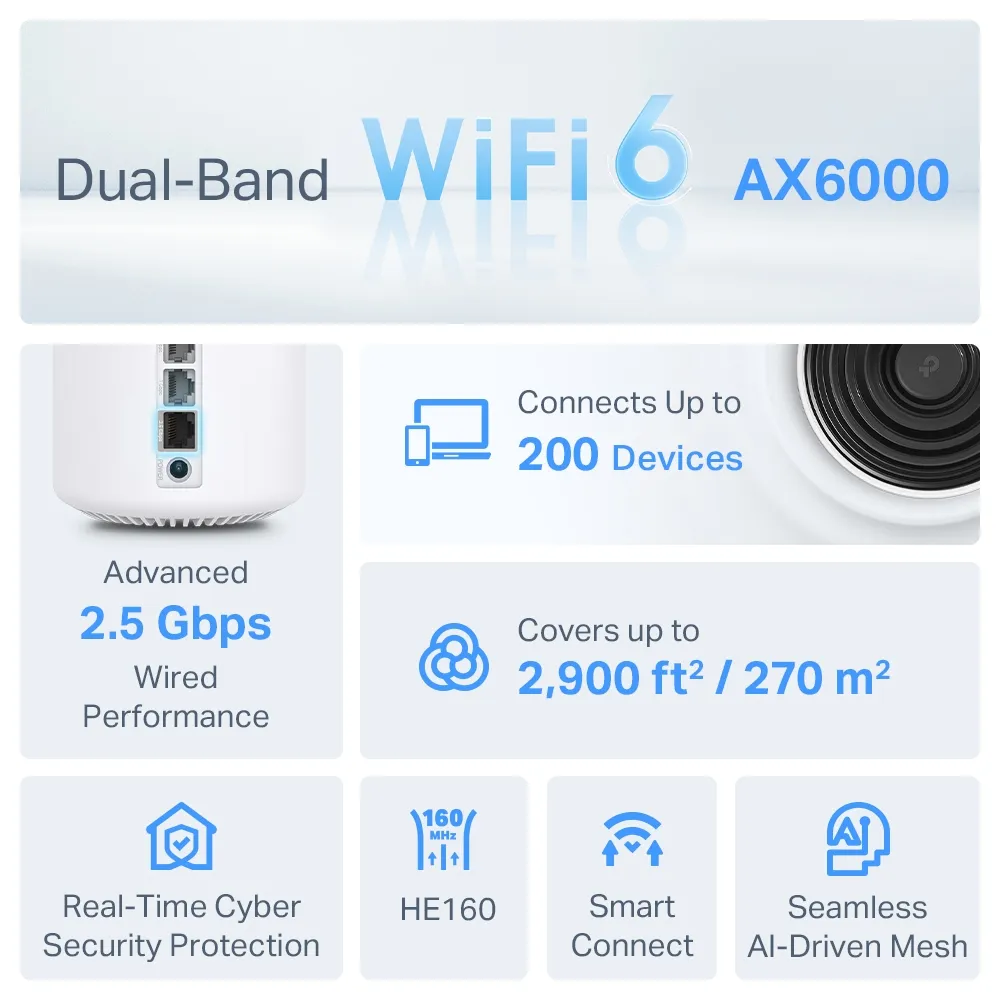
| Wi-Fi rating | AX6000: 4,804 Mbps at 5 GHz plus 1,148 Mbps at 2.4 GHz | AX6000: 4,804 Mbps at 5 GHz plus 1,148 Mbps at 2.4 GHz |
| Advertised streams | Eight | Twelve in the product listing |
| Ethernet ports | One 2.5 GbE and two Gigabit | One 2.5 GbE and one Gigabit |
| Antennas | Four internal high-gain antennas | Eight cellular and eight Wi-Fi internal antennas, plus two SMA-F cellular antenna interfaces |
| Published dimensions | 105 × 105 × 169 mm | 210.5 × 130 × 123 mm |
| Additional interfaces | No integrated cellular SIM connection | Nano SIM, external cellular antenna connectors and a phone port |
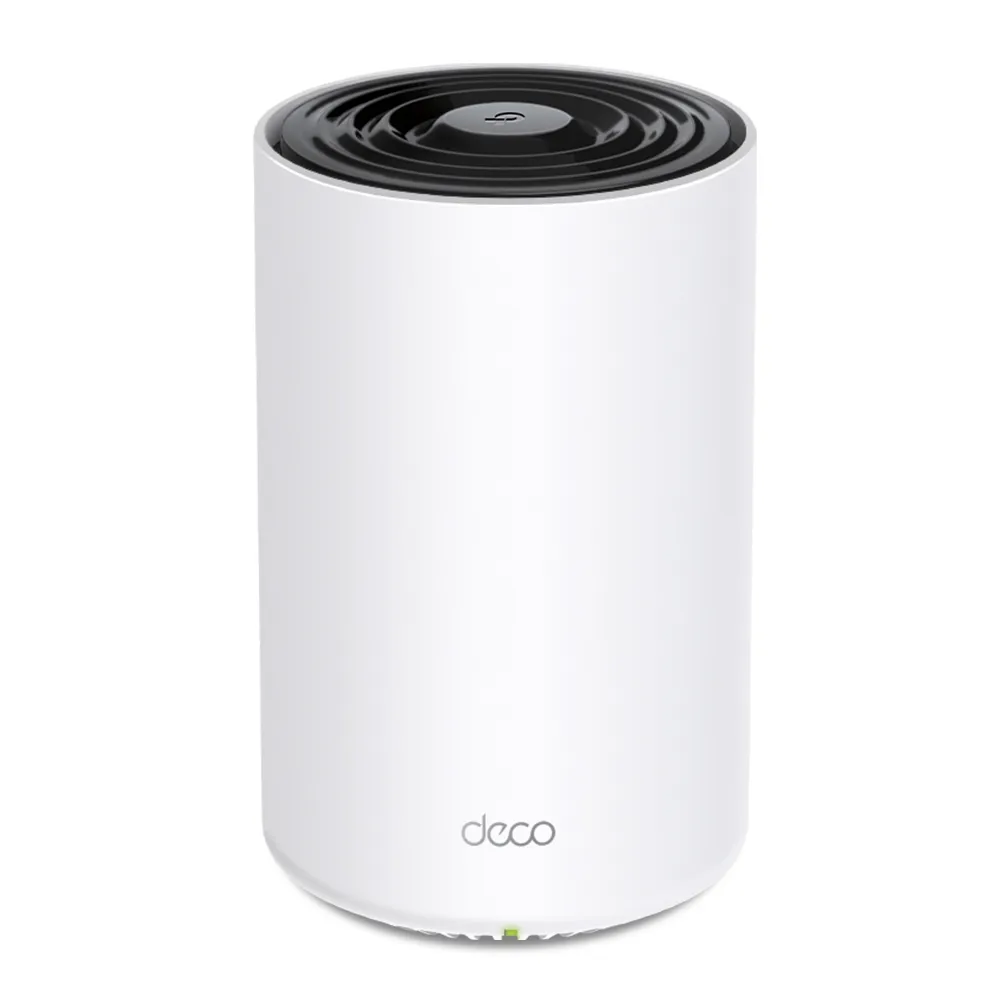
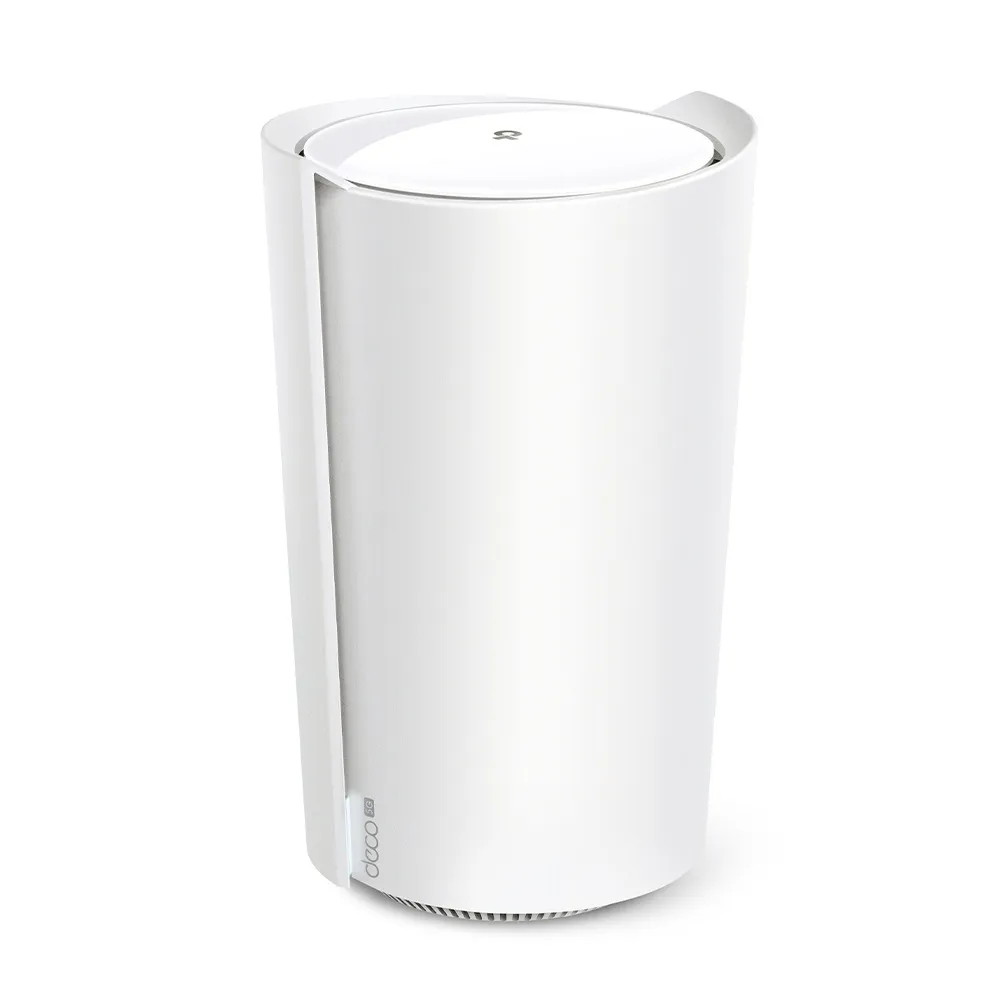
The X80 specification explicitly lists HE160 for its 5 GHz rate. The X80-5G listing gives its rate and twelve-stream claim without the same HE160 notation. Do not infer matching per-band stream counts or client link rates from AX6000 alone. Check the supported channel width and client combination for the exact cellular model before purchasing for one laptop's performance.
Mesh and local Wi-Fi are separate from cellular service
Mesh nodes extend the local network and must have a usable path between them, called backhaul. A wireless satellite relays traffic through its link to the rest of the system. Ethernet can provide that path where supported. Roaming assistance still depends on client behaviour, so neither model promises a sub-100 ms handoff or an uninterrupted call in every room.
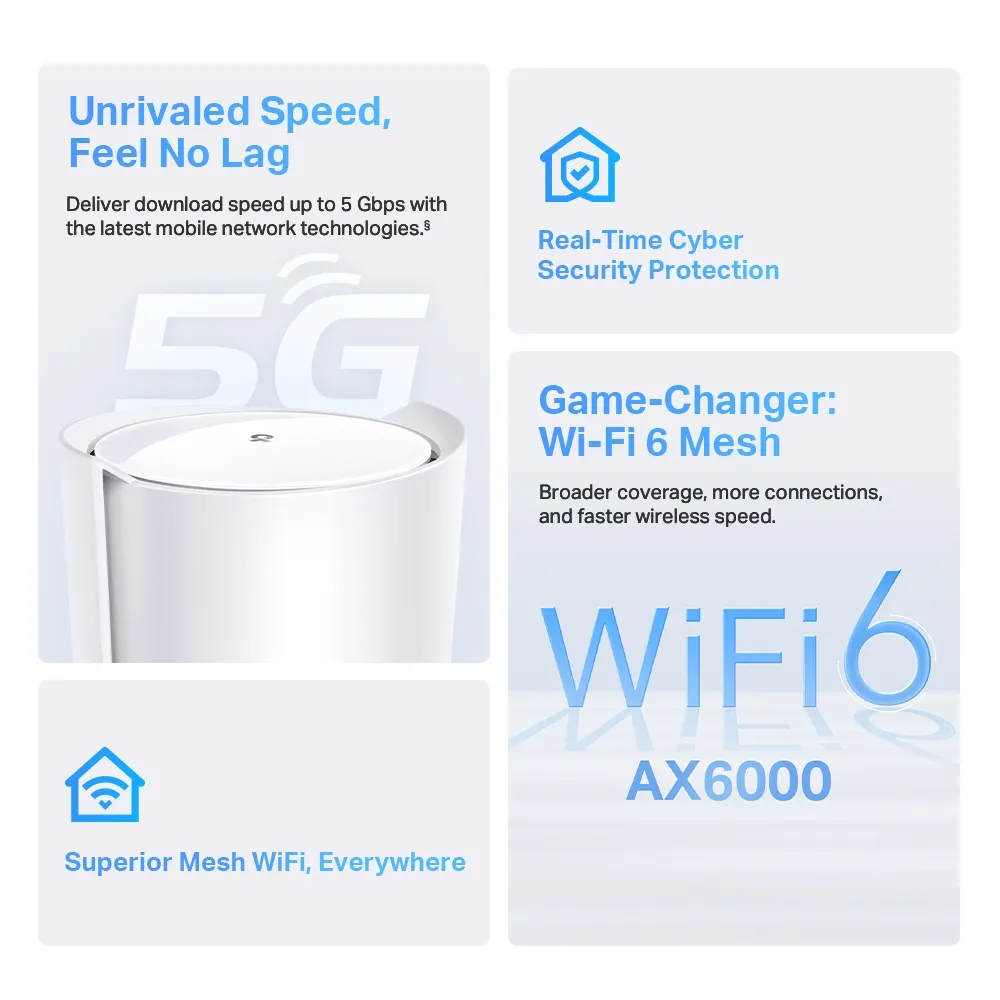
The X80-5G's mobile-network connection is not a third dedicated Wi-Fi backhaul radio. “5G” cellular also differs from “5 GHz” Wi-Fi: one connects the gateway to the mobile provider, the other connects local devices. A strong Wi-Fi signal beside the router does not prove that the cellular Internet path is strong.
Wi-Fi 6 efficiency mechanisms can help compatible clients, but cannot guarantee the advertised total to each device or superior penetration through every wall. Coverage and up-to-200-device claims are planning figures; compare pack sizes and active workloads rather than counting mostly idle sensors as equivalent to busy laptops.
Port planning changes the purchase
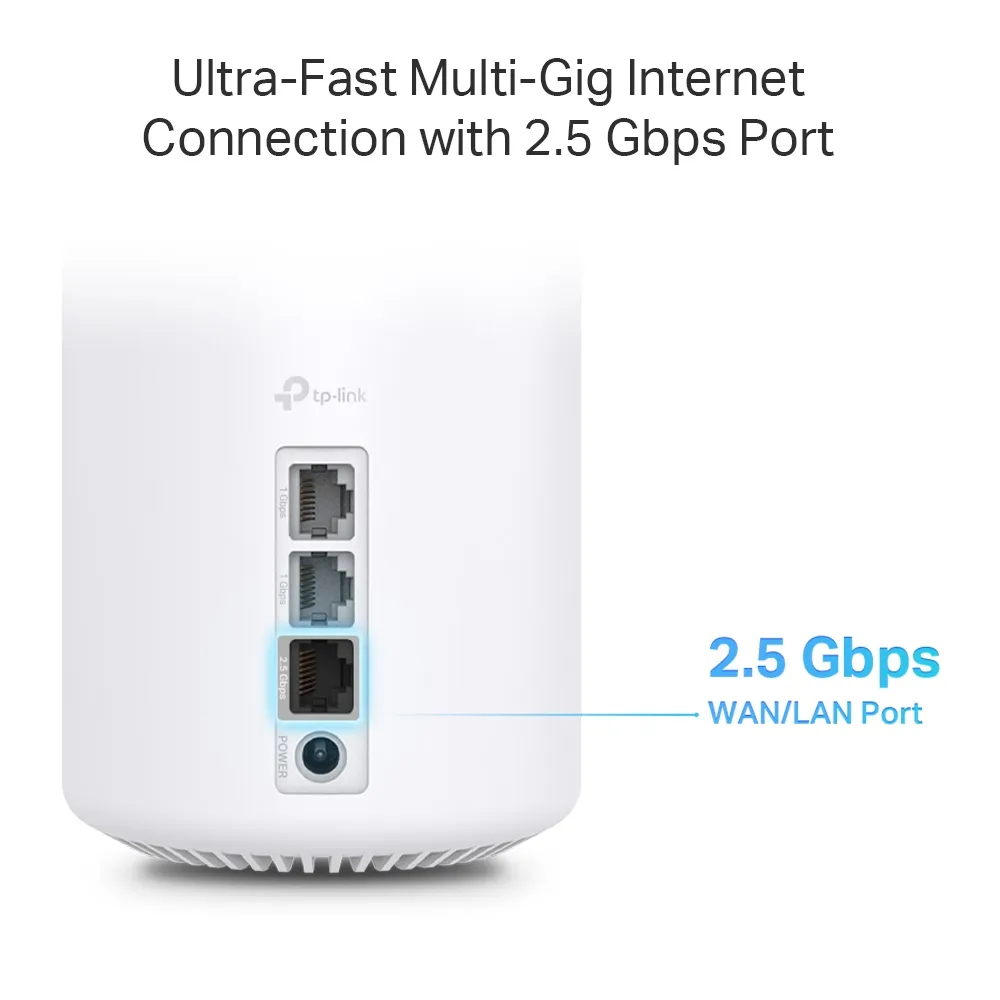
Only one Ethernet port serves as WAN at a time. Using the X80's 2.5 GbE port for a modem leaves two Gigabit LAN sockets. Using that port as a local fast connection instead means choosing another socket for the wired Internet input. One fast port does not create two independent multi-gigabit endpoints.
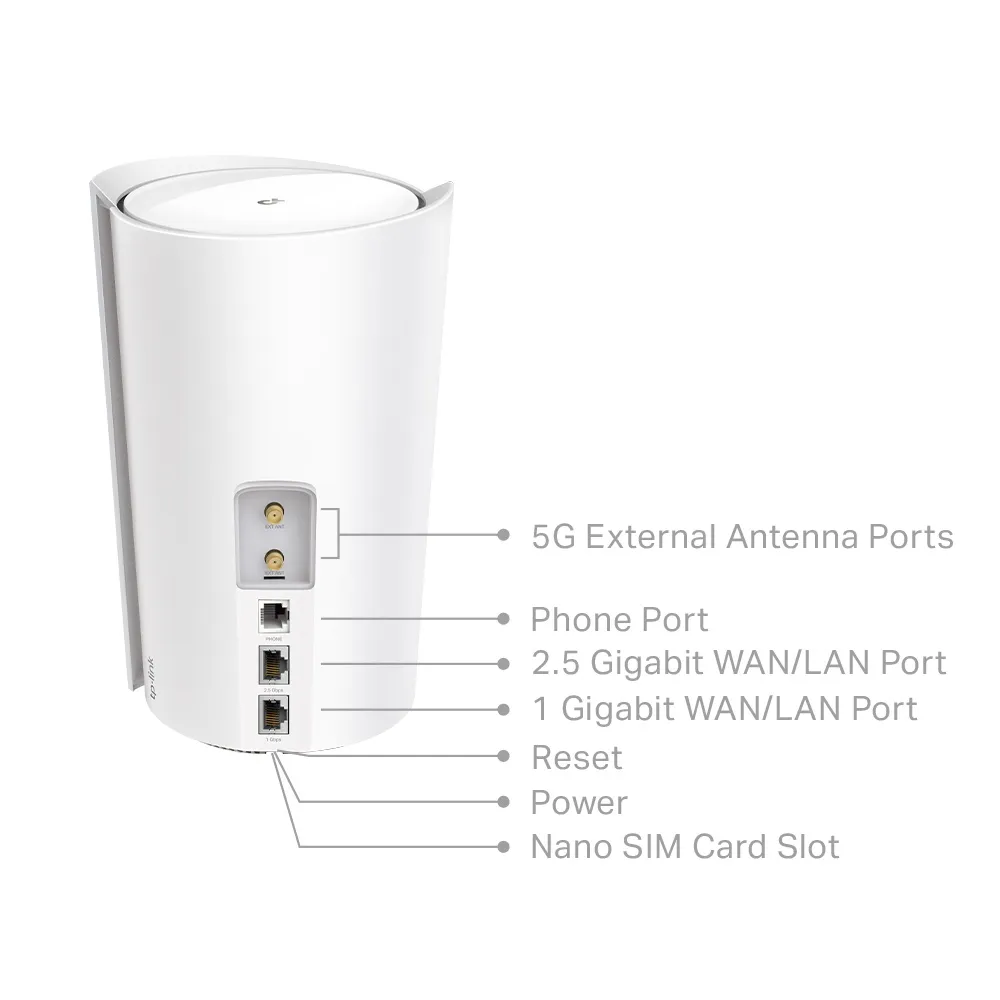
The X80-5G has fewer Ethernet sockets. With the 2.5 GbE socket assigned to fixed broadband, only its Gigabit socket remains for a switch, client or wired satellite. A multi-gigabit switch connected through that Gigabit hop cannot make traffic through the hop faster. With cellular as the Internet input, more choices are possible, but still check the selected port roles and full path.
External antennas connect to the cellular modem, rather than generically boosting your laptop's Wi-Fi. The phone connector also needs careful checking: the EU datasheet limits VoLTE telephony to supported carriers and an enabled service plan. It is not a general promise of voice service from every SIM.
Verify the carrier before committing
TP-Link advertises Sub-6 5G download of up to 5 Gbps, with explicit network, plan, client and environmental caveats. This is a theoretical cellular claim, not the result to expect at your house. Compare regional bands and ask the provider about router use, SIM activation, APN settings, allowances, roaming and any fair-use restrictions.
Test more than a single daytime download. Evening congestion, upload speed and call quality may matter more for remote work. Try several permitted indoor positions, balancing the cellular link against Wi-Fi coverage and possible Ethernet cabling. A rural address or the presence of a 5G logo does not establish reliable service.
Check remote-access needs as well. Ask the provider about public addressing or carrier NAT before assuming a server can receive inbound connections. The datasheet also specifies indoor use in the listed European jurisdictions: a holiday or mobile-home use case still requires suitable installation, power, carrier permissions and local conditions, rather than treating the unit as outdoor or vehicle-rated equipment.
Set up and test backup in the supported mode
TP-Link's backup guide uses the X80-5G as an example. It scopes cellular backup and offline detection to local management in Wireless Router mode. Its WAN-selection section explains that the chosen WAN port and LAN port remain distinct even when backup is enabled but inactive.
Check matching firmware and the displayed port assignment before cabling a modem. Review offline detection, data limits, SIM PIN and supported antenna settings, then deliberately test loss of the primary connection and its return. Record whether applications reconnect and which features are available on your regional unit.
There is no universal five-to-ten-second failover or invisible recovery promise here. Changing the Internet path can change addressing and interrupt sessions. Nor does a fixed fibre plan guarantee zero jitter or a cellular plan a fixed latency range. Compare the tasks you need under realistic load.
Management and full cost
Current model listings identify HomeShield, WPA3-Personal, device QoS and guest-network controls. HomeShield free and paid functions differ; do not assume the original HomeCare name establishes included antivirus. Check the functions available in router, cellular-router and access-point modes rather than transferring every gateway feature to every mode.
Compare current local prices for equivalent equipment and pack sizes, adding the SIM plan, antenna accessories, switches, cabling and optional subscriptions. A fixed 40–50% price premium or automatic productivity payback cannot describe every offer. Confirm how much backup data you can actually use during an outage.
Which model fits?
Choose the ordinary X80 when dependable wired Internet and additional Ethernet connections match your needs. Choose the X80-5G when verified cellular access, as primary service or supported backup, justifies its additional cost and fewer wired sockets. A separate gateway/modem with Deco in access-point mode is another design to evaluate by exact capabilities and full cost, rather than presumed power or reliability.
The X80 and X80-5G product references provide further context. Keep the decision grounded in the carrier, physical port path and household devices, with a tested recovery plan rather than a promise of unmatched resilience.